Recovering your system
www.gateway.com
33
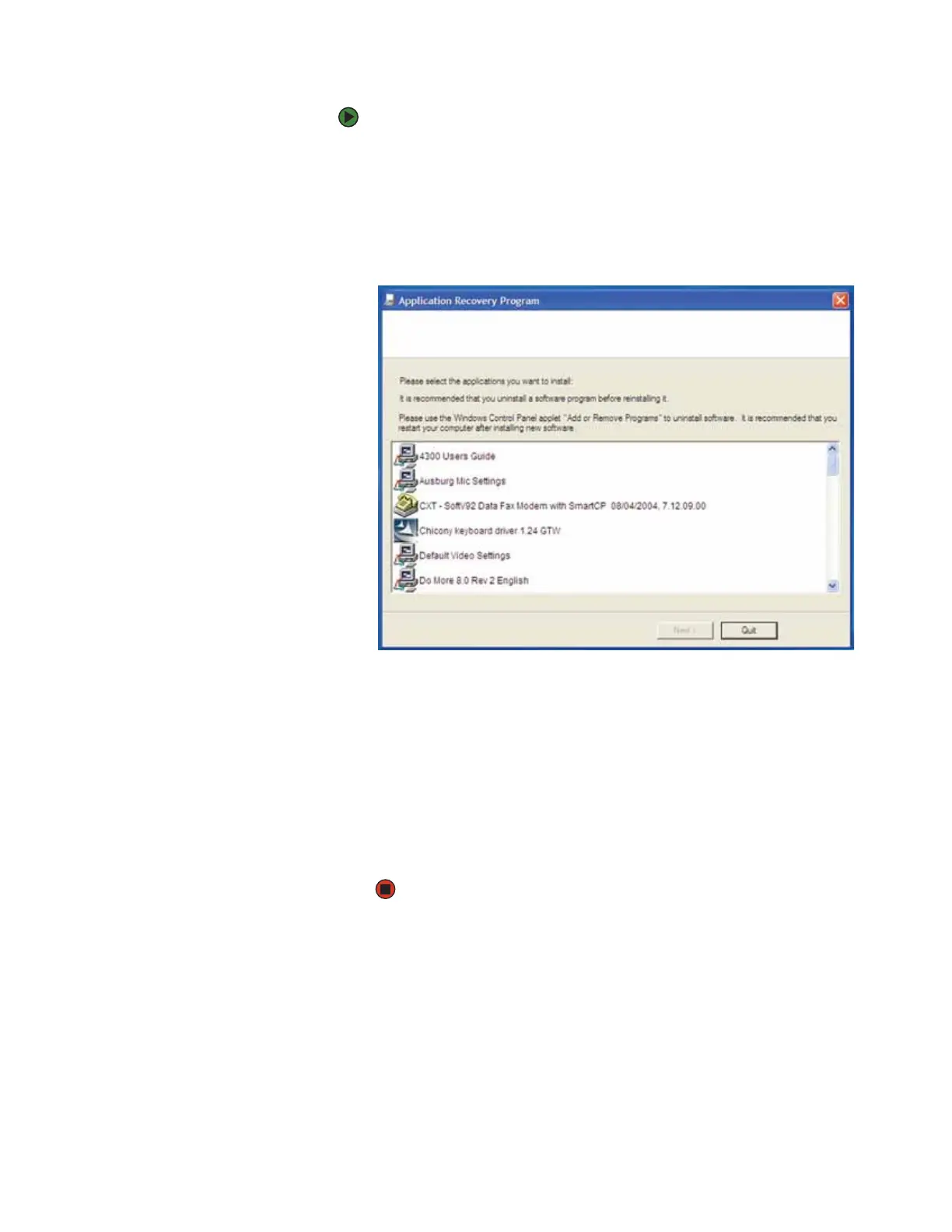
To recover specific drivers and software:
1 Click Start, All Programs, System Recovery, then click Application &
Driver Recovery. The Application Recovery program opens.
- OR -
Turn on your notebook, then insert the drivers and applications recovery
disc #1 (if available) into the CD or DVD drive. The Application Recovery
program opens.
2 Click the driver or application you want to install. To select multiple items,
press and hold C
TRL while clicking each item.
3 Click Next. The items you selected are installed. When the installation is
finished, a message asks you if you want to install more drivers or
applications.
4 Click Yes to install more drivers or applications, or click Quit to exit.
5 Store the discs in a safe place for future use. You are done.
6 If your system still has problems, follow the directions in “Recovering your
system using Microsoft System Restore” on page 34.












 To Next Page