Creating audio files and music libraries
www.gateway.com
63
Editing track information
After you add a WMA or MP3 file to your music library, you can edit the track’s
information.
To edit track information:
1 Click Start, All Programs, then click Windows Media Player.
Windows Media Player opens.
2 Click the Library tab.
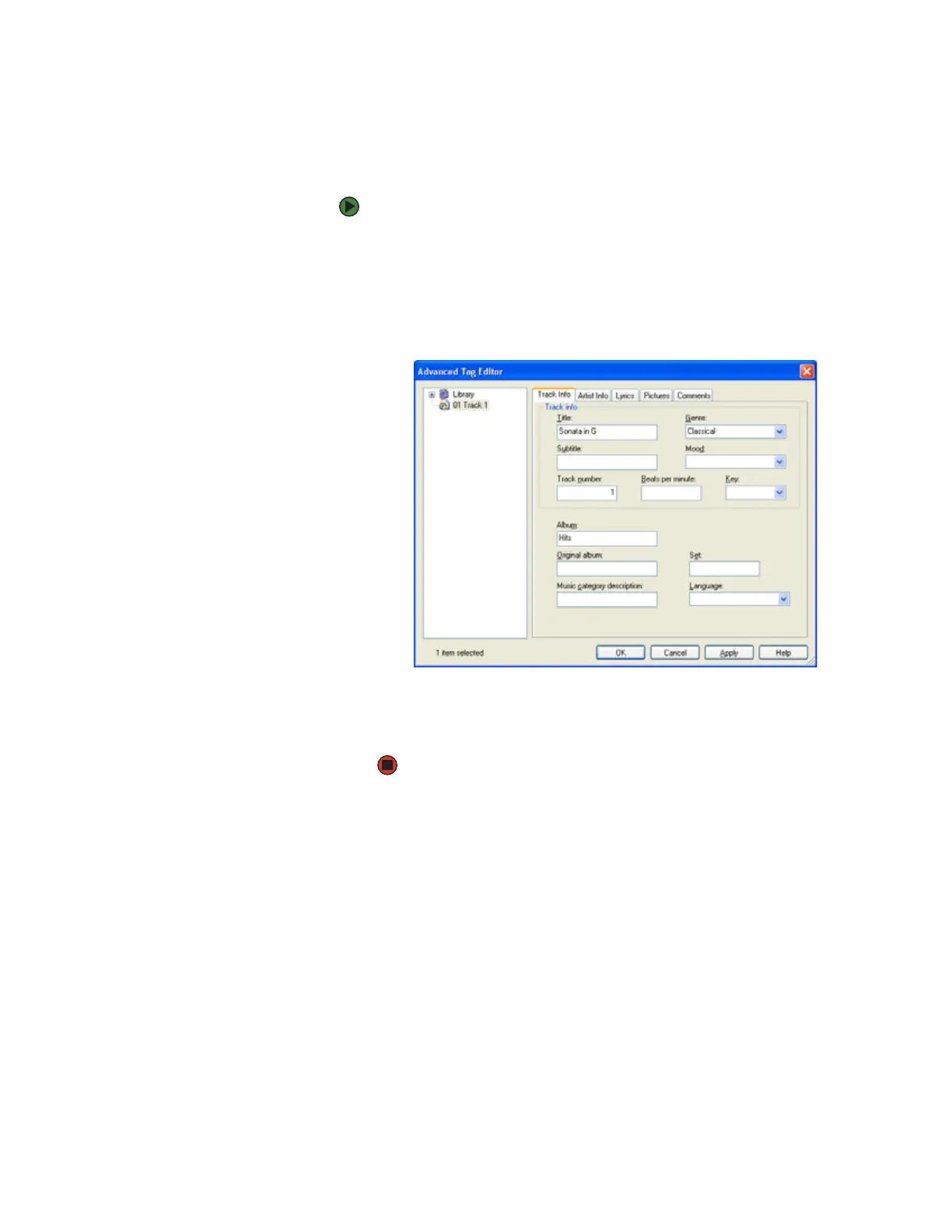
3 Right-click the track you want to edit, then click Advanced Tag Editor. The
Advanced Tag Editor dialog box opens.
4 Enter track information such as Title, Artist, Album, and Genre.
5 Click OK. The new track information appears in the Windows Media Player
library.












 To Next Page