Data security
www.gateway.com
49
Updating your virus definitions
Important
To update McAfee SecurityCenter after
the subscription period expires, you must
extend your subscription.
You should update your virus definitions regularly to protect your notebook
from the latest viruses.
To update your virus definitions:
1 Make sure that you are connected to the Internet.
2 Start McAfee SecurityCenter.
3 Click Update. The McAfee SecurityCenter Updates wizard opens.
4 Click Check Now.
5 If it is time to extend your subscription, an alert appears on your screen.
Click Renew my subscription to extend your subscription and continue
updating McAfee SecurityCenter.
Using Windows XP Security Center
Help and Support
For more information about Windows XP
Security Center, click Start, then click
Help and Support. Type the keyword
security center in the Search box, then
click the arrow.
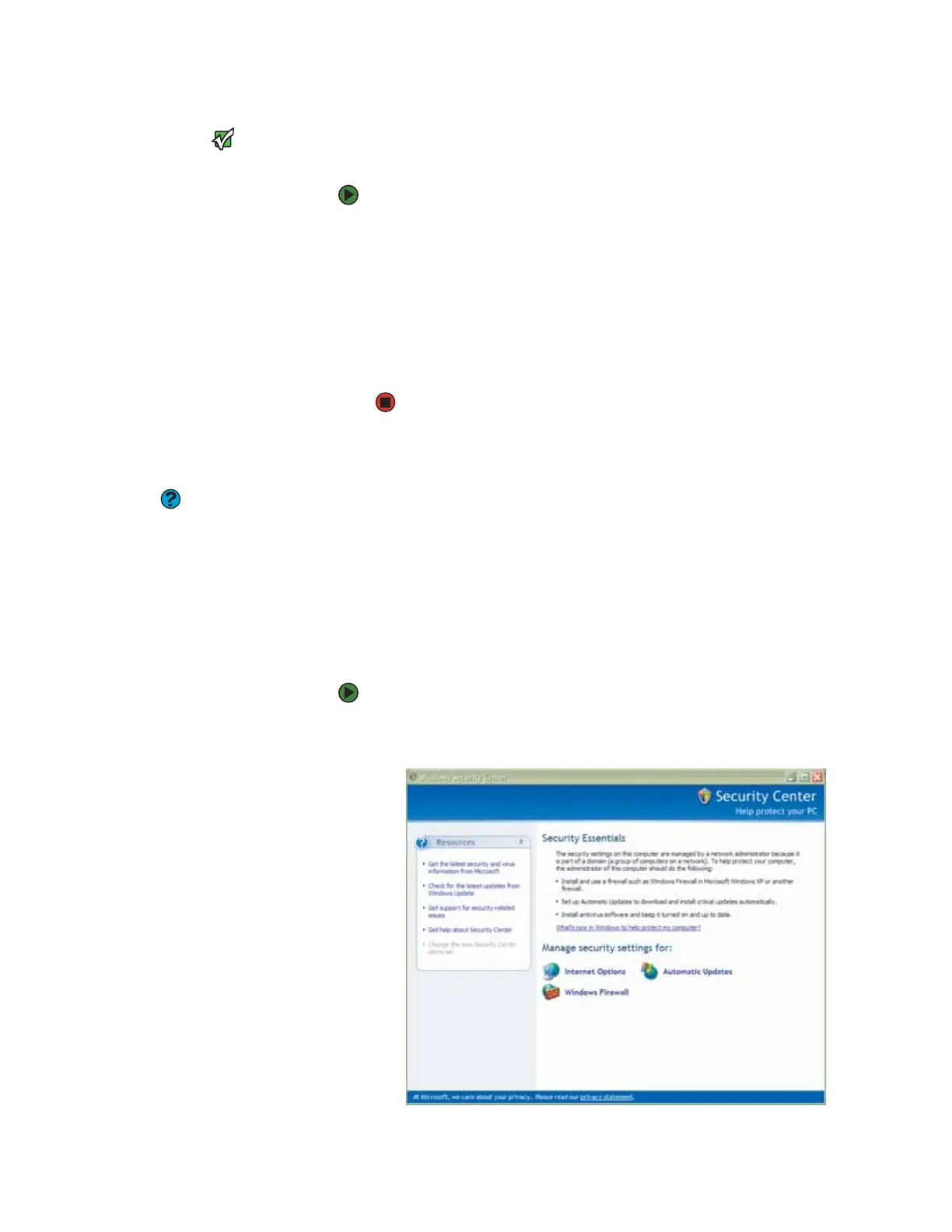
Windows Security Center helps protect your notebook through:
■ A firewall
■ Automatic Windows updates
■ Third party virus protection software
■ Security options in Internet Explorer
Modifying security settings
To modify security settings:
1 Click Start, Control Panel, then double-click Security Center. The
Windows Security Center dialog box opens.












 To Next Page