CHAPTER 5: Protecting your notebook www.gateway.com
48
Scanning for and removing viruses
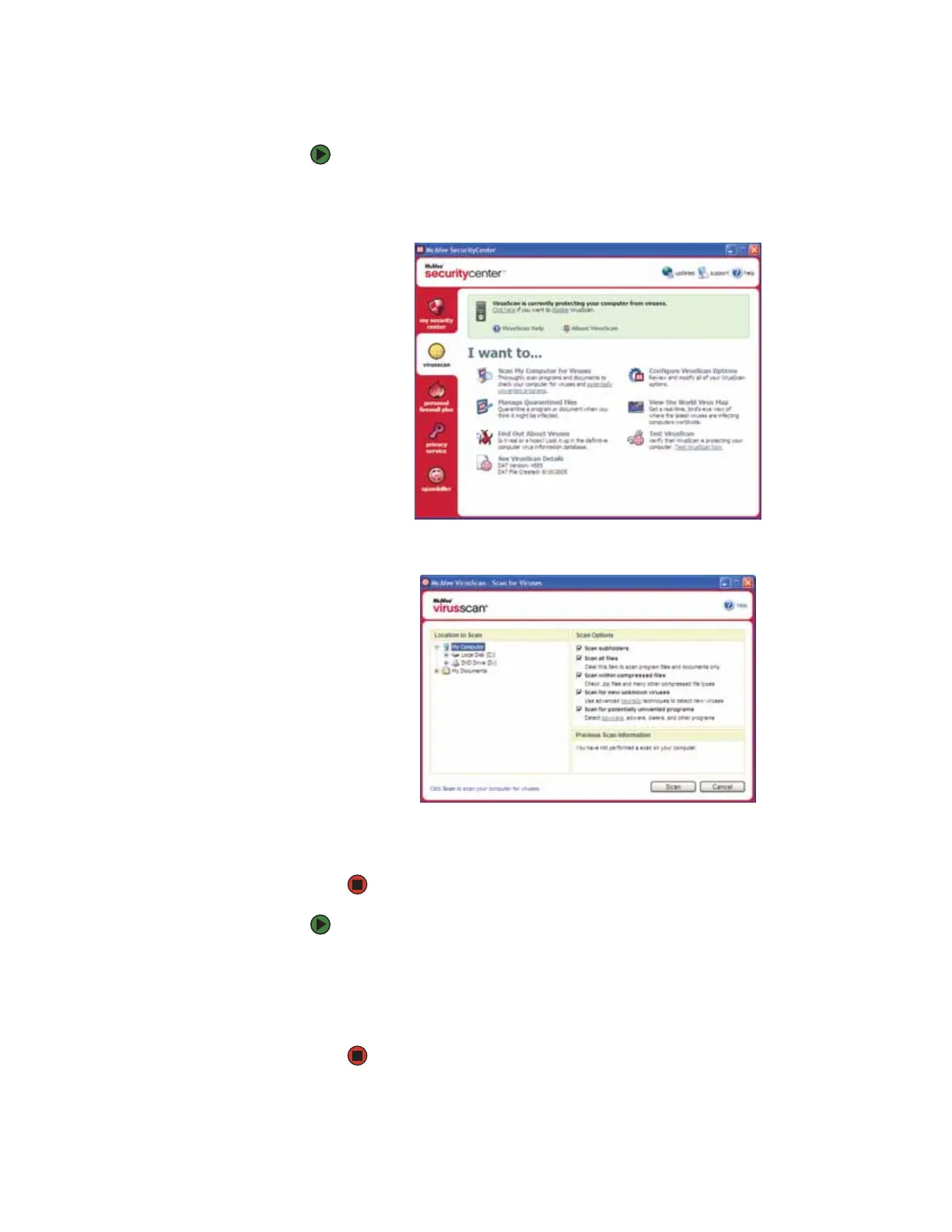
To scan for viruses:
1 Start McAfee SecurityCenter.
2 Click virusscan.
3 Click Scan My Computer for Viruses.
4 Click the location you want to scan, then select your scan options.
5 Click Scan.
To remove a virus:
1 If McAfee SecurityCenter finds a virus, follow all on-screen instructions to
remove the virus.
2 Turn off your notebook and leave it off for at least 30 seconds.
3 Turn on your notebook and rescan for the virus.












 To Next Page