16
www.gateway.com
Chapter 2: Checking Out Your Gateway Computer
Finding your specifications
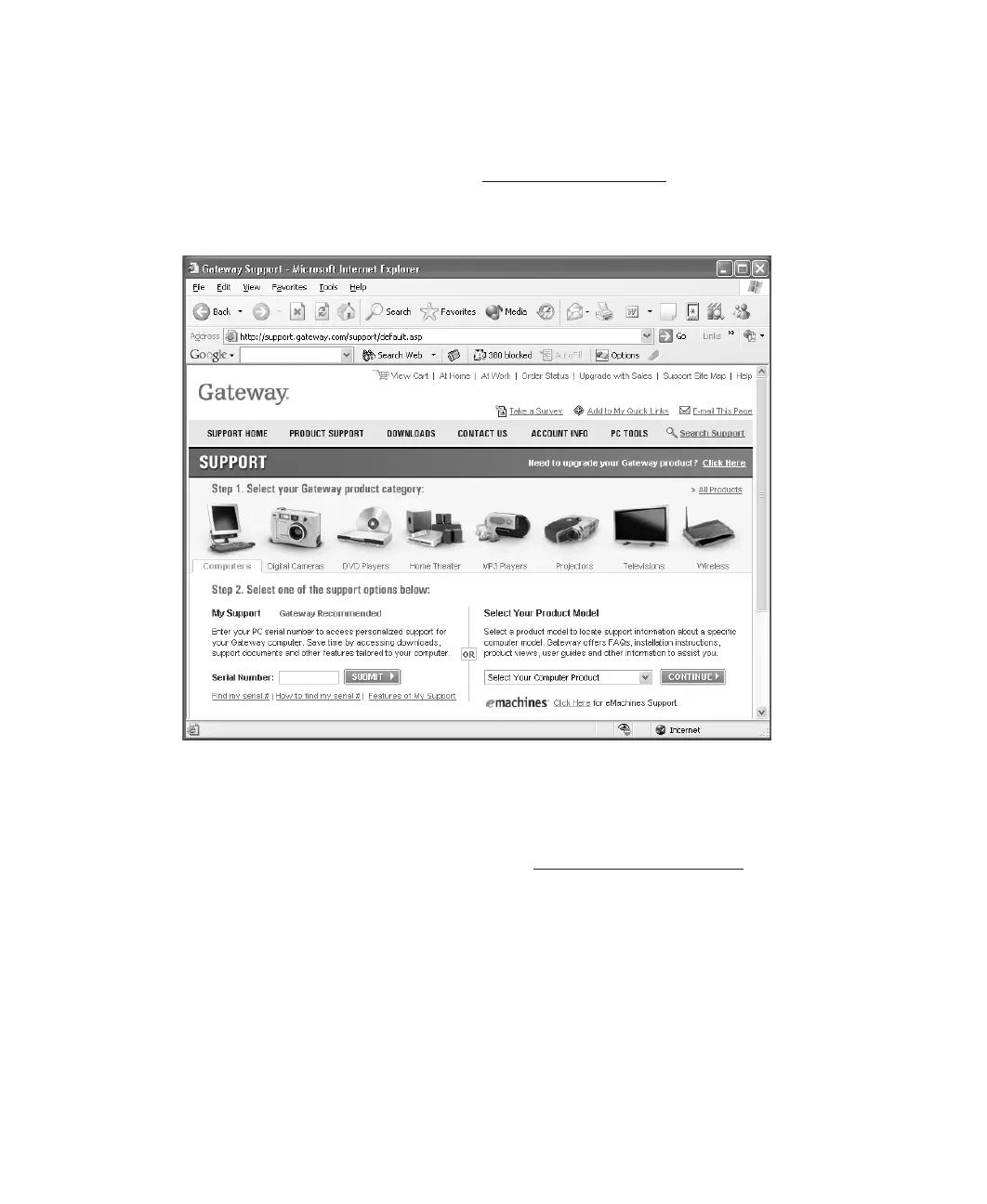
For more information about your computer, such as memory size, memory type, and hard
drive size, visit Gateway’s eSupport page at support.gateway.com
. The eSupport page also
has links to additional Gateway documentation and detailed specifications. For more
information, see “Using eSupport” on page 4.
Accessories
To order accessories, visit the Accessory Store at accessories.gateway.com.
Memory
Large programs, such as multimedia games or graphics programs, use a lot of memory. If
your programs are running more slowly than you think they should, try adding more
memory.



 To Next Page