8
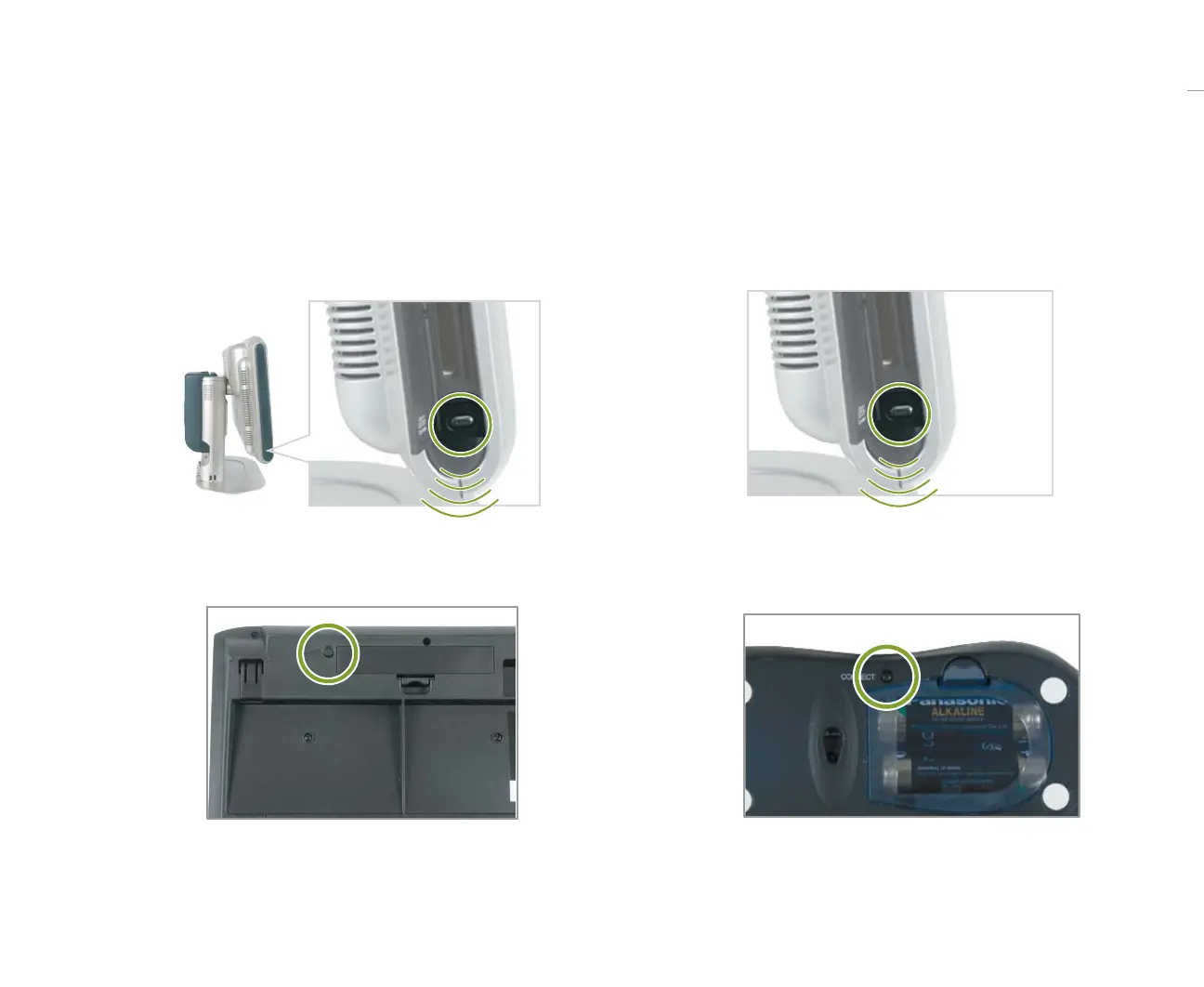
3 Press and hold the connect button on the Media
Center PC for about 3 seconds.
4 Press and hold the connect button on the mouse for
about 3 seconds.
1 Press and hold the connect button on the Media
Center PC for about 3 seconds.
2 Press and hold the connect button on the keyboard
for about 3 seconds.
Connecting the wireless keyboard and mouse



 To Next Page