Chapter 1: Using Your Flat Panel Display
www.gateway.com
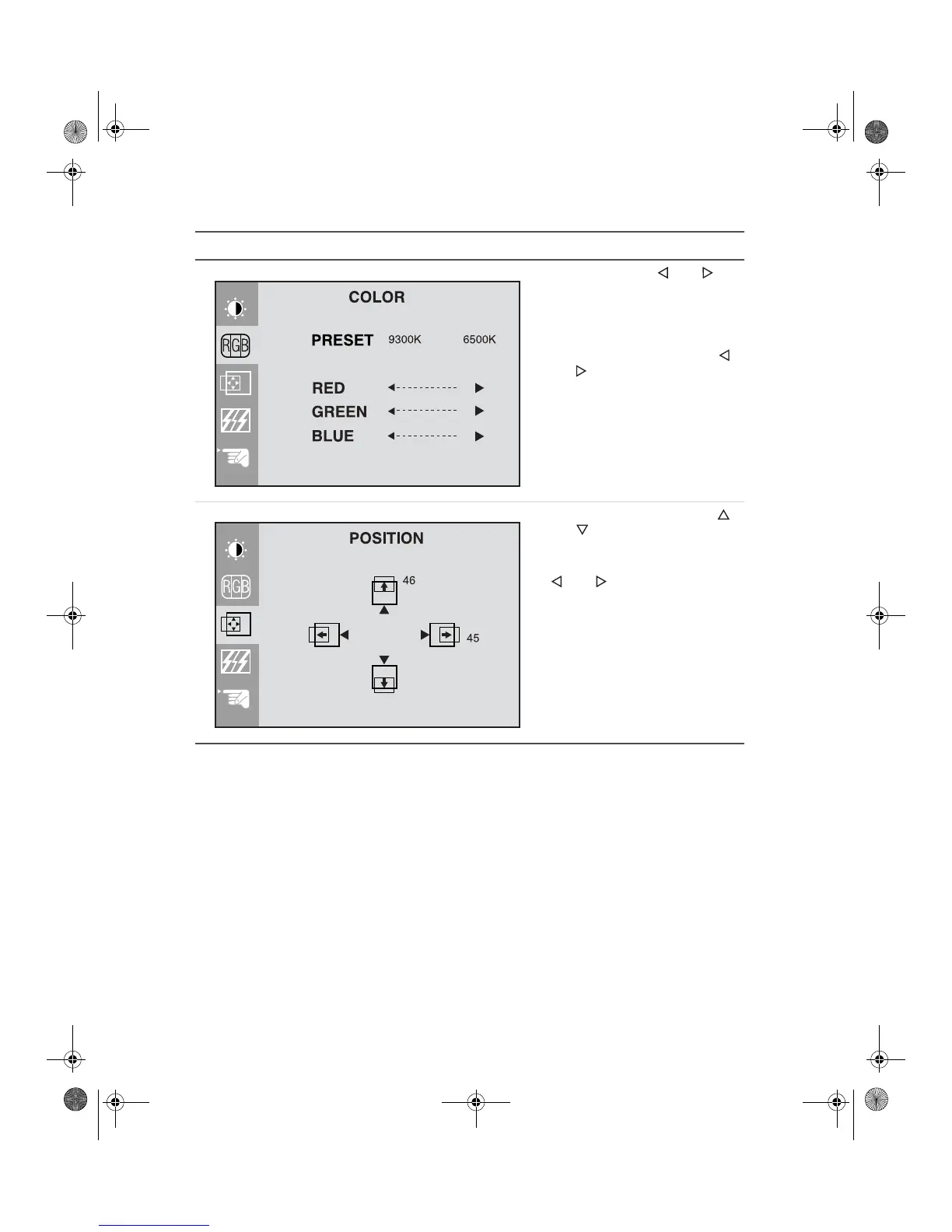
Preset. Press the and
buttons to adjust the color
temperature.
9300K is bluish white.
6500K is reddish white.
Red, Green, Blue. Press the
and buttons to adjust your
own color levels.
Vertical position. Press the
and buttons to move the
image up and down.
Horizontal position. Press the
and buttons to move the
image left and right.
The Auto function configures the
vertical and horizontal position for
you. For more information on the
Auto function, see “External
controls” on page 6.
OSD Adjust Description
8508376.book Page 8 Thursday, October 18, 2001 9:20 AM



 To Next Page