25
Changing OSD options
www.gateway.com
Using parental controls
The parental controls feature prevents viewers from watching programs that
are not age-appropriate, such as programs containing violence or adult
language.
The LOCK ON/OFF option in the OSD must be ON for parental controls to be
in effect.
You can set parental control locks using:
■ MPAA
■ Age Block
■ Content Block
To set the parental controls using MPAA:
1 Press the MENU button on the remote control to open the OSD.
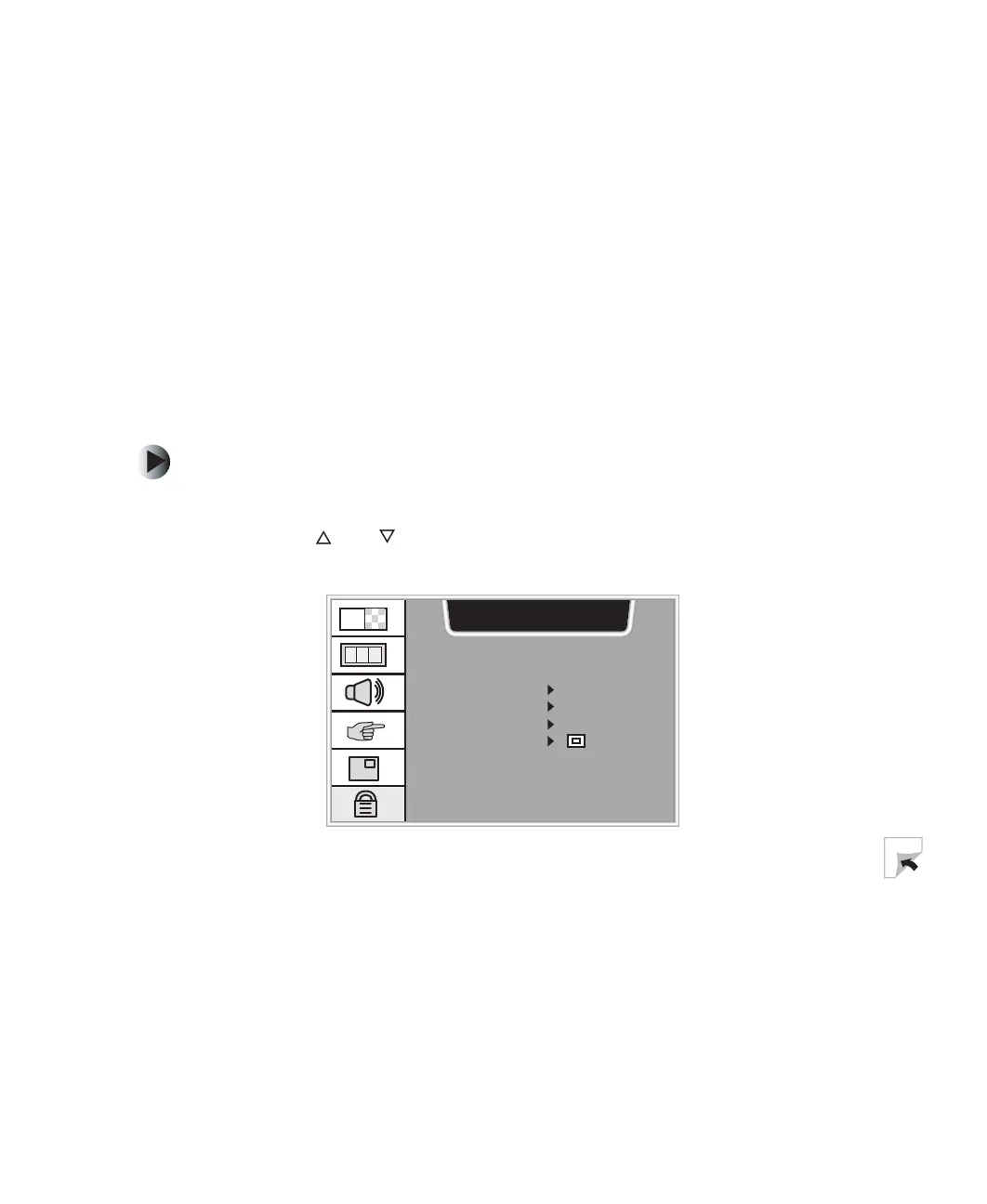
2 Press the and buttons to select the CAPTION & OPTION menu, then
press
OK to open the menu.
CAPTION & OPTION
CAPTION/TEXT CCI
CAPTION EZ MUTE
KEY LOCK OFF
PARENTAL
CH


 To Next Page