1.3. Boxes and connectors
1.3.1. Video Interface
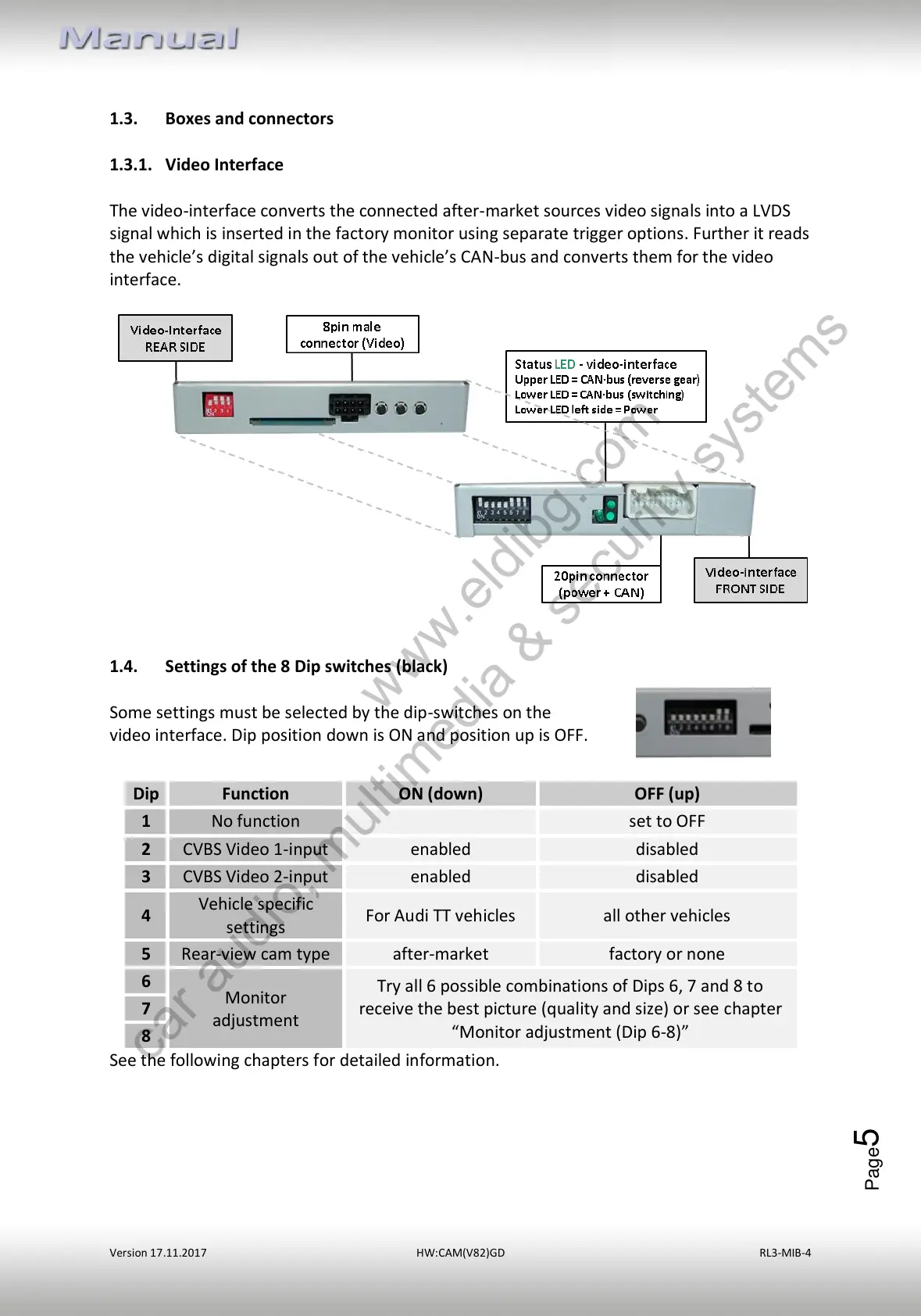
The video-interface converts the connected after-market sources video signals into a LVDS
signal which is inserted in the factory monitor using separate trigger options. Further it reads
the vehicle’s digital signals out of the vehicle’s CAN-bus and converts them for the video
interface.
1.4. Settings of the 8 Dip switches (black)
Some settings must be selected by the dip-switches on the
video interface. Dip position down is ON and position up is OFF.
See the following chapters for detailed information.
Try all 6 possible combinations of Dips 6, 7 and 8 to
receive the best picture (quality and size) or see chapter
“Monitor adjustment (Dip 6-8)”



 To Next Page