GCAN-PLC user manual
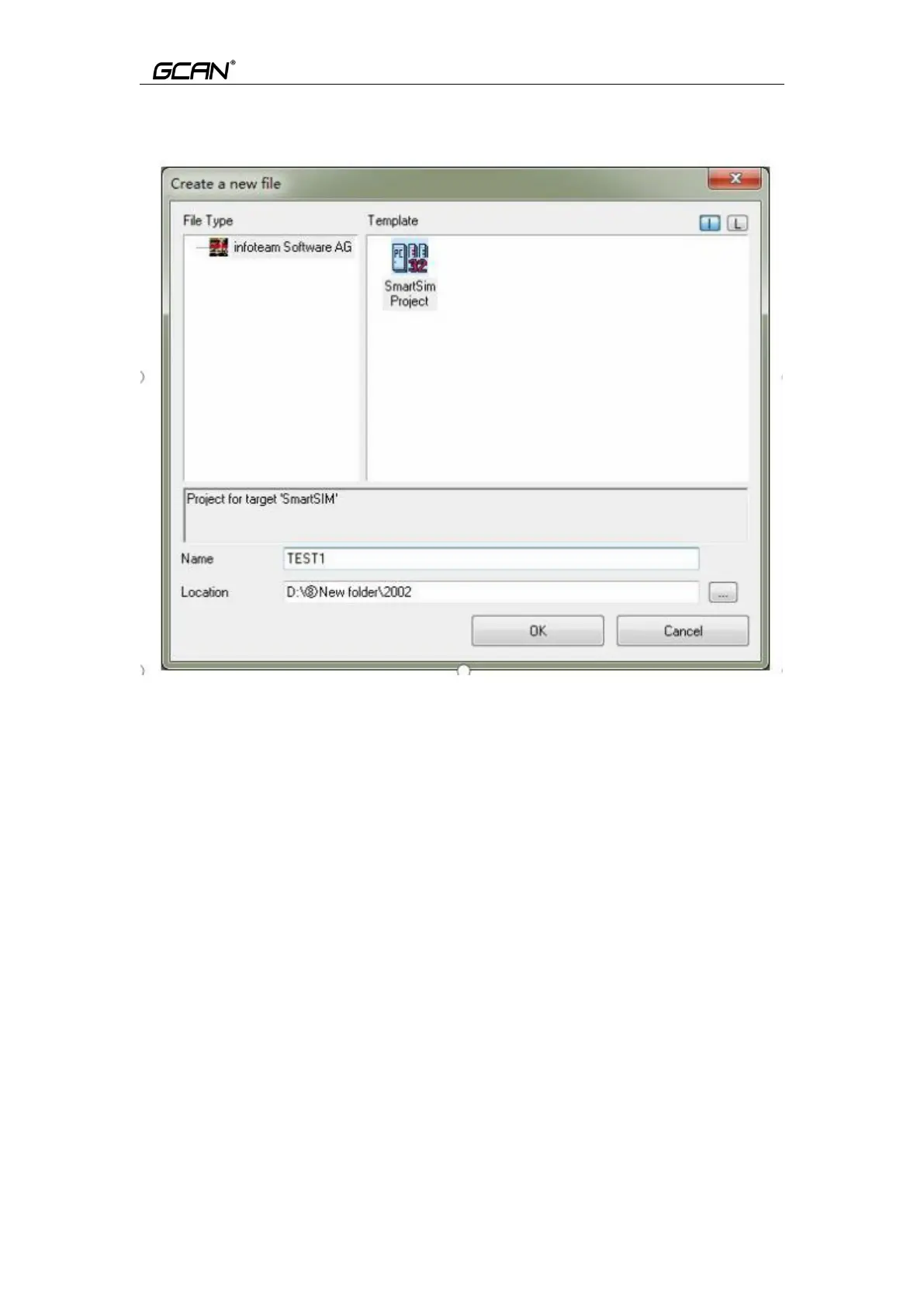
Click “File”, than select ”New” to create a new file, as shown in Figure 5.2.
Figure 5.2 Create project
5.3.2 Add program page file
Add files to the project (for example: add a program page ST, Program
written in ST language), as shown in Figure 5.3.
Please note that: the string entered in the name field cannot start with a number.



 To Next Page