Concord 4 Series Security Systems 57
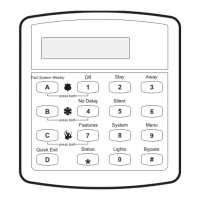
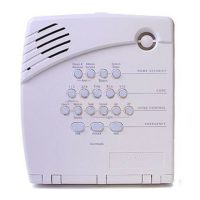
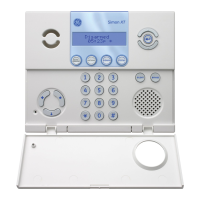
3. The touchpad displays “REGULAR USER CODES” or “REG CODES.” Press B until the
display reads “SYSTEM MASTER CODE” or “SYS MASTER,” then press
#.
4. Replace the existing code with the new 4 digit System Master Code then press
#.
5. Press
* + 00 + # to exit the programming menus.
Using Programming Shortcuts
A programming shortcut is a number that “jumps” you to a particular spot in the programming
menus.
A series of shortcut numbers takes you directly to the feature or code you want to change.
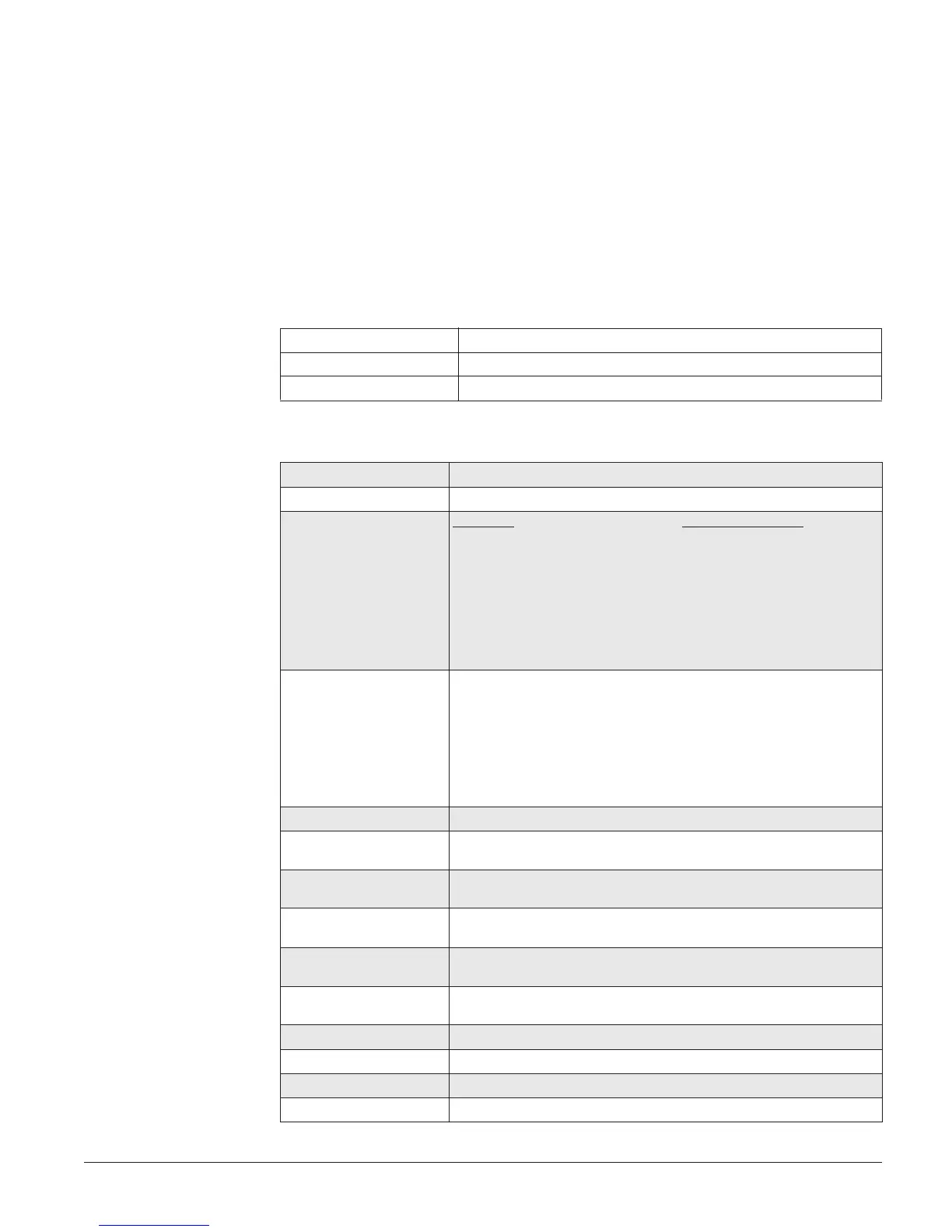
1. Enter User Programming.
Local Phone # + 9 + CODE
Remote Phone Access Dial the phone number + # + CODE + # + 9 + CODE
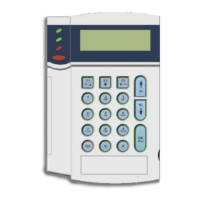
Touchpad 9 + CODE
2. Enter a programming command sequence.
Time * + 020 + TTTT + #
Date * + 021 + DDMMYY + #
Regular User Codes Concord 4 Concord Express V4
User 00: * + 0300000 + NNNN + # [* + 030000 + NNNN + #]
User 01: * + 0300010 + NNNN + # [* + 030001 + NNNN + #]
User 02: * + 0300020 + NNNN + # [* + 030002 + NNNN + #]
(continues up to User 229) (continues up to User 15)
User 229: * + 0302290 + NNNN + #
If using alphanumeric or fixed display touchpads, use A and B to scroll
through the code attributes and change them as required.
Partition Master Codes
(Concord 4 systems only)
Partition 1:* + 0310 + NNNN + #
Partition 2:* + 0311 + NNNN + #
Partition 3:* + 0312 + NNNN + #
Partition 4:* + 0313 + NNNN + #
Partition 5:* + 0314 + NNNN + #
Partition 6:* + 0315 + NNNN + #
System Master Code * + 0320 + NNNN + #
Direct Bypassing Attribute * + 030NNN1 + 1(off) or 2(on) + # (nnn = user no.)
* + 030NN1 + 1(off) or 2(on) + # (Concord Express V4)
Remote Access Attribute * + 030NNN2 + 1(off) or 2(on) + # (nnn = user no.)
* + 030NN2 + 1(off) or 2(on) + # (Concord Express V4)
System Test Attribute * + 030NNN3 + 1(off) or 2(on) + # (nnn = user no.)
* + 030NN3 + 1(off) or 2(on) + # (Concord Express V4)
Latchkey Report Attribute * + 030NNN4 + 1(off) or 2(on) + # (nnn = user no.)
* + 030NN4 + 1(off) or 2(on) + # (Concord Express V4)
Partition Assign Attribute
(Concord 4 systems only)
* + 030NNN5 + desired partitions 1-6 + # (nnn = user no.)
Downloading * + 041 + 1(off) or 2(on) + #
Touchpad Brightness * + 043 + 0 through 3 + #
Volume * + 044 + 0 through 7 + #
Voice Chime * + 045 + 1(off) or 2(on) + #


 To Next Page
 Loading...