Modifications reserved Page 20/79
OPM_SGS_USM_M40_M50_2US_V010.doc User Manual SG Series 400 & 500 UL S2
5 CONTROL PANEL
5.1 CONTROL PANEL
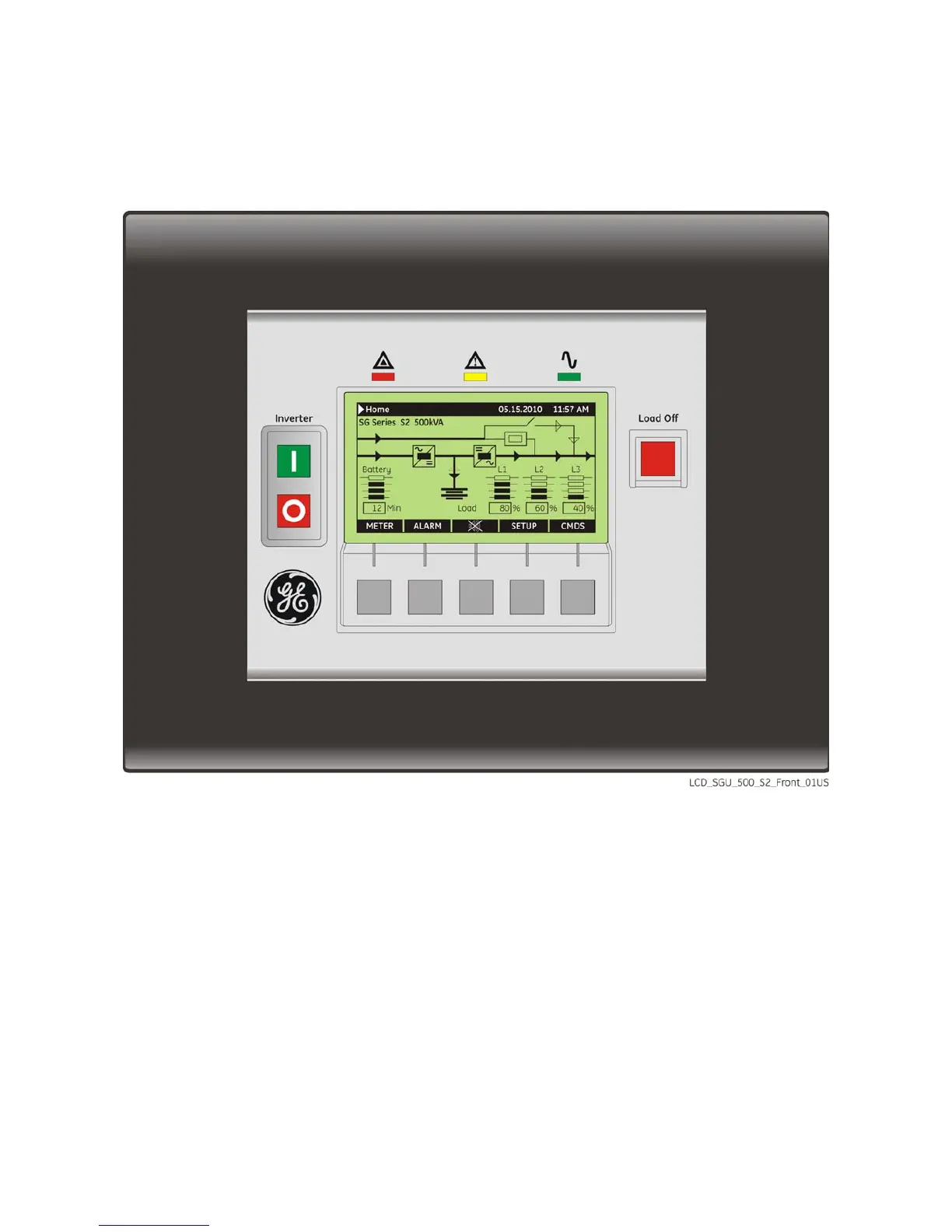
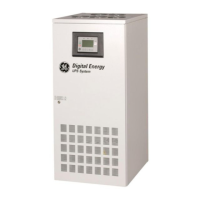
Fig. 5.1-1 Control panel
The control panel, positioned on the UPS front door, acts as the UPS user interface and comprises of the
following elements:
• Back lit Graphic Display (LCD) with the following characteristics:
− Multilanguage communication interface:
English, German, Italian, Spanish, French, Finnish, Polish, Portuguese, Czech, Slovakian, Chinese,
Swedish, Russian and Dutch;
− Synoptic Diagram indicating UPS status.
• Command pushbuttons and parameters setting.
• UPS status control LED.






 To Next Page