42 4342 43
Panorama mode
Returning to the Scene selection
menu
1. In Scene mode, press the button to
activate the main function menu.
2. Select the “SCENE” menu option and then
press the button to return to the to
Scene selection menu.
The main function menu also allows you
congure image quality and image size.
Please refer to the "
Advanced Functions
Menu
" section on pages 33 and 34 for
detailed instructions.
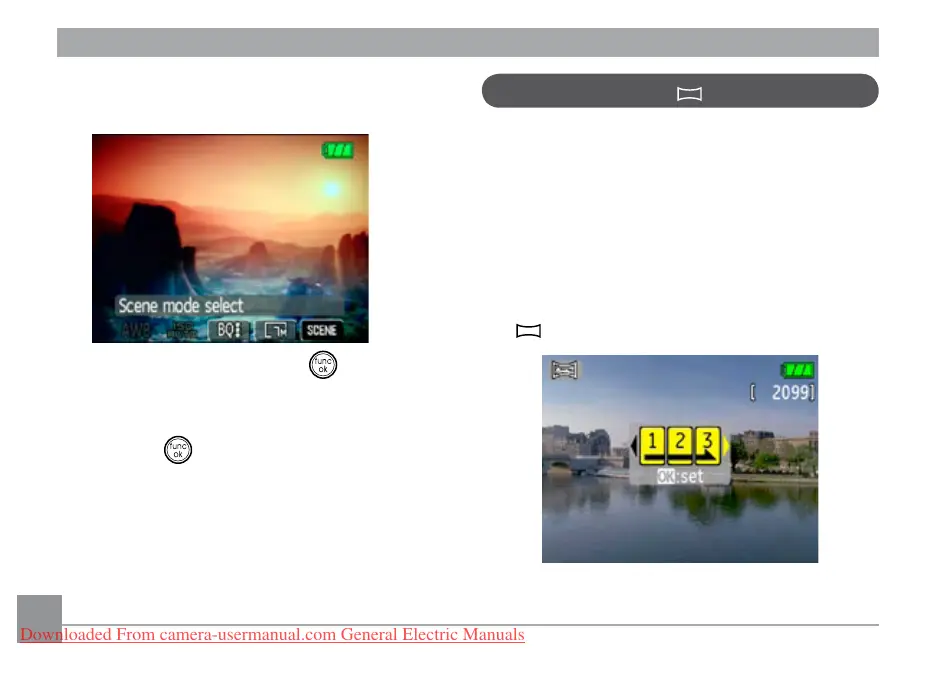
Panorama mode allows you create a pan-
oramic picture. The camera will to automati-
cally compose a panoramic picture using the
individual shots that you take.
Follow these steps to create a panoramic
picture:
1. Set the mode dial to Panorama mode
( ).
Downloaded From camera-usermanual.com General Electric Manuals



 To Next Page
 Loading...








