56 57
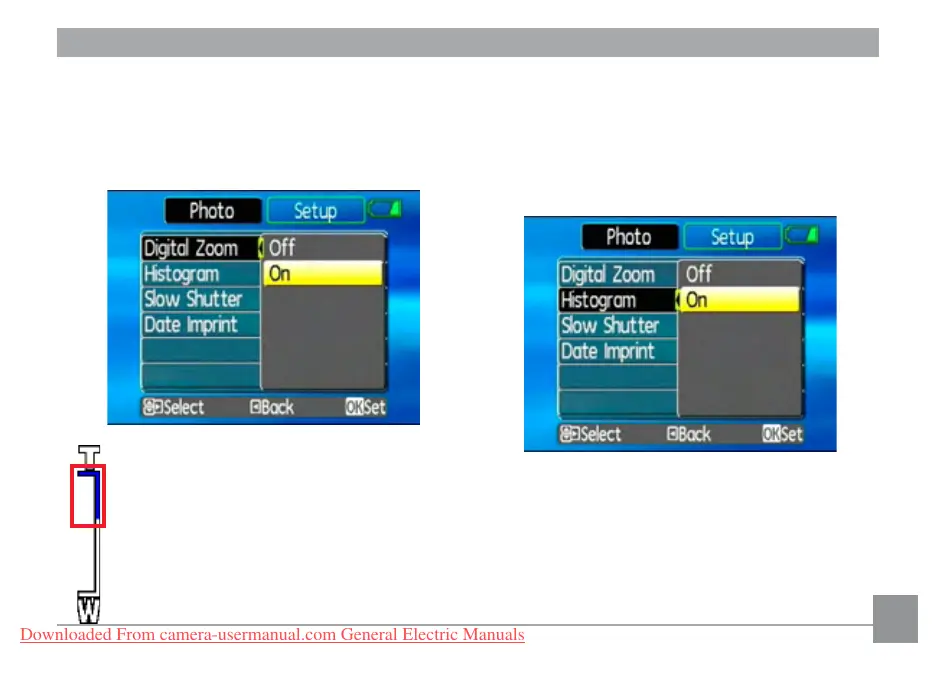
Digital Zoom
Use this setting to enable or disable the
digital zoom function. When disabled, only the
optical zoom is enabled.
Digital Zoom indicator
• Off: gray color.
• On: reddish color.
Histogram
The histogram is used for checking the expo-
sure while taking pictures. Use this setting to
enable or disable the histogram display on
the LCD screen.
•
Off
•
On
Downloaded From camera-usermanual.com General Electric Manuals



 To Next Page
 Loading...








