72 73
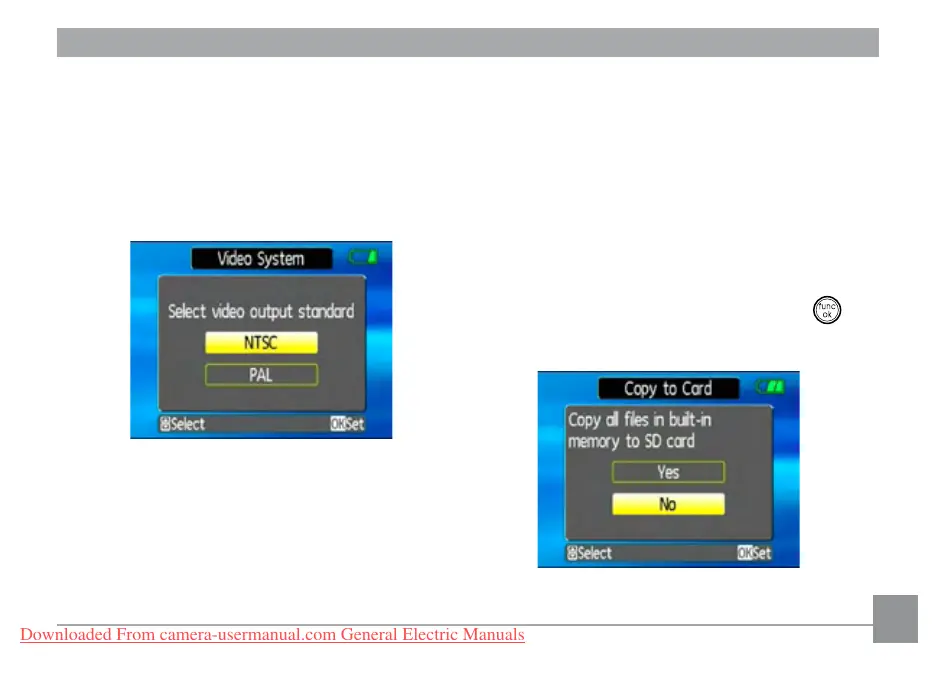
NTSC:
USA, Canada, Taiwan, Japan, etc.
PAL :
Europe, Asia (excluding Taiwan),
Oceania, etc.
Note: The TV output will not display properly if
an incorrect video system is selected.
Copy to Card (Copy internal memory
to memory card)
Use this setting to copy the les stored in the
internal memory to the memory card.
1. Select the Copy to memory card
setting from the Setup menu as described
previously.
2. Use the Up/Down navigation buttons
to select Yes or No. Then press the
button to conrm.
Downloaded From camera-usermanual.com General Electric Manuals



 To Next Page
 Loading...








