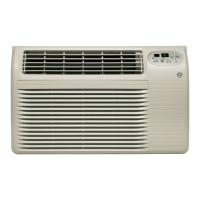
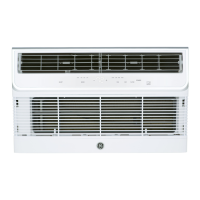
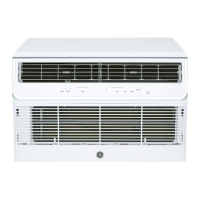
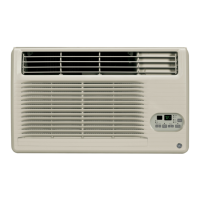
About the controlson the air conditioner-Heat/Cool Models
Appearance may vary.
[ J
®
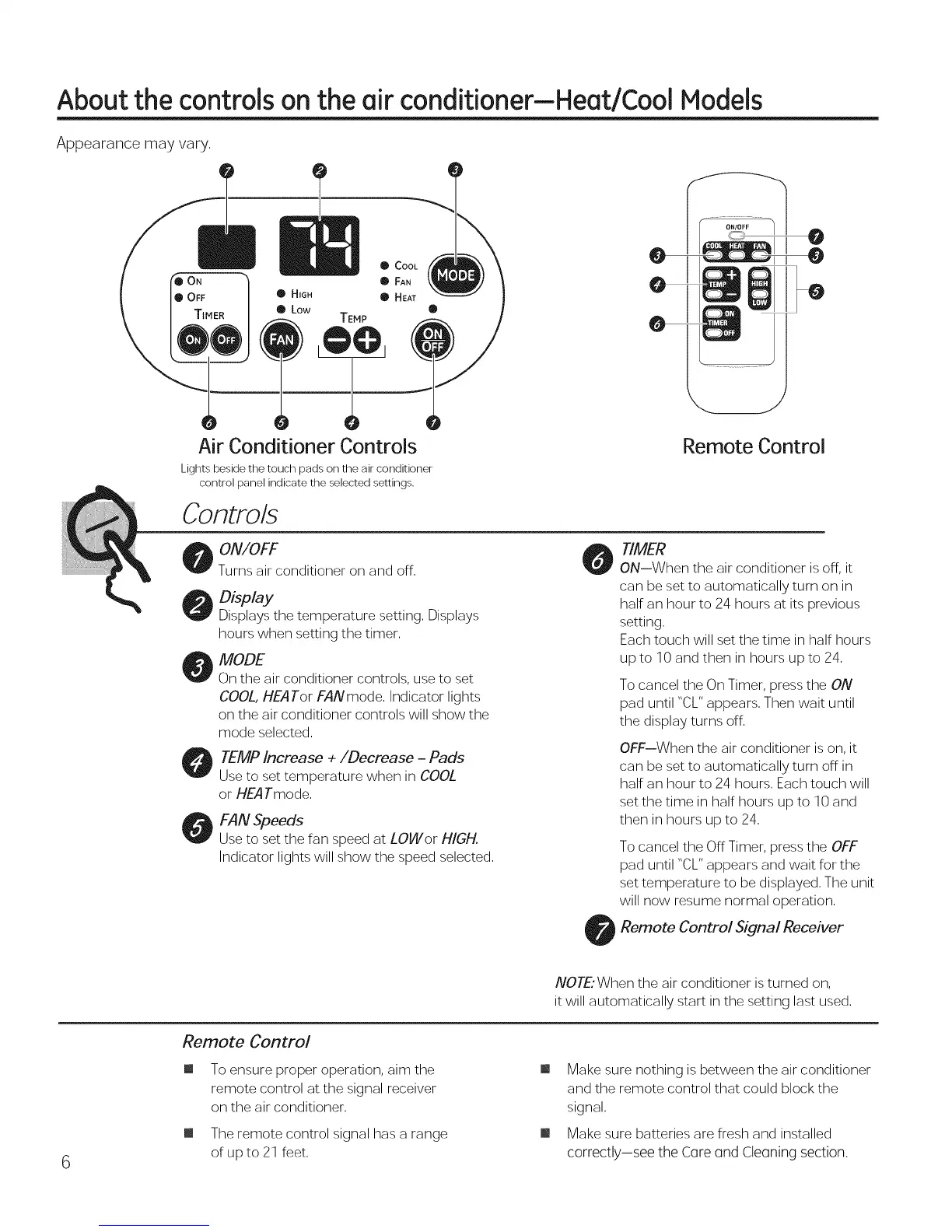
Air Conditioner Controls
Lights beside the touch pads on the air c'onditioner
control panel indicate the selected settings,
Controls
Remote Control
ON/OFF
Turns air conditioner on and off.
D /ay
Displays the temperature setting, Displays
hours when setting the timer,
MODE
On the air conditioner controls, use to set
COOL, HEA Tor FAN mode. Indicator lights
on the air conditioner controls will show the
mode selected.
TEMP Increase +/Decrease - Pads
Use to set temperature when in COOL
or HEATmode.
FAN Speeds
Use to set the fan speed at LOWor HIGH.
Indicator lights will show the speed selected.
TIMER
ON--When the air conditioner is off, it
can be set to automatically turn on in
half an hour to 24 hours at its previous
setting.
Each touch will set the time in half hours
upto 10 and then in hours upto 24.
To cancel the On Timer, press the ON
pad until "CL" appears. Then wait until
the display turns off.
OFF--When the air conditioner is on, it
can be set to automatically turn off in
half an hour to 24 hours. Each touch will
set the time in half hours up to 10 and
then in hours up to 24.
To cancel the Off Timer, press the OFF
pad until "CL" appears and wait for the
set temperature to be displayed. The unit
will now resume normal operation.
Remote Control Signal Receiver
6
Remote Control
m
NOTE'When the air conditioner is turned on,
it will automatically start in the setting last used.
To ensure proper operation, aim the
remote control at the signal receiver
on the air conditioner.
The remote control signal has a range
of up to 21 feet.
m Make sure nothing is between the air conditioner
and the remote control that could block the
signal.
m Make sure batteries are fresh and installed
correctly--see the Core ond Cleoning section.



 To Next Page