54 5554 55
After resizing the image, the new image will be
saved as a new le. The original image will be
kept in the memory.
When the original picture size is smaller than 640
×480, the picture can not be resized again.
Rotated pictures cannot be resized.
Panoramic pictures cannot be resized.
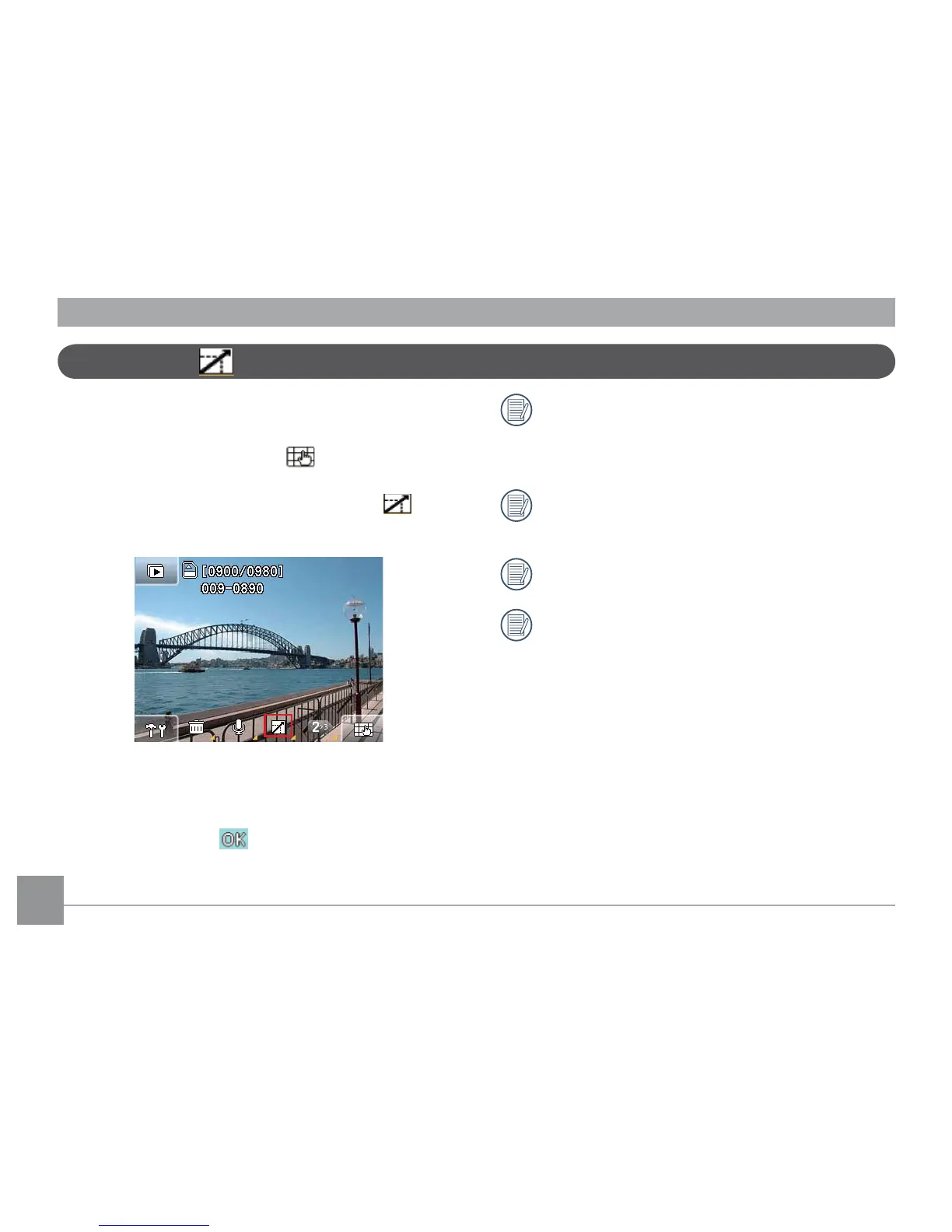
Picture resize
This setting allows you to resize the Picture in a specic
resolution and save it as a new image.
1. In Playback mode, touch the
button on the
lower right hand corner of the screen and the Next
page button to toggle the display until the
Picture resize button appears and press it.
2. Touch and slide left and right on the touch screen to
select the images you wish to resize.
3. Select the desired resize value (1024×768
or 640×
480) and press the button to conrm (or press
the return key to cancel and return to the playback
main menu).



 To Next Page