62 63
Playback Setup Menu
In Playback mode, touch the button on the lower
right hand corner of the screen until the button
appears; touch the Return button to go to the Playback
Setup menu.
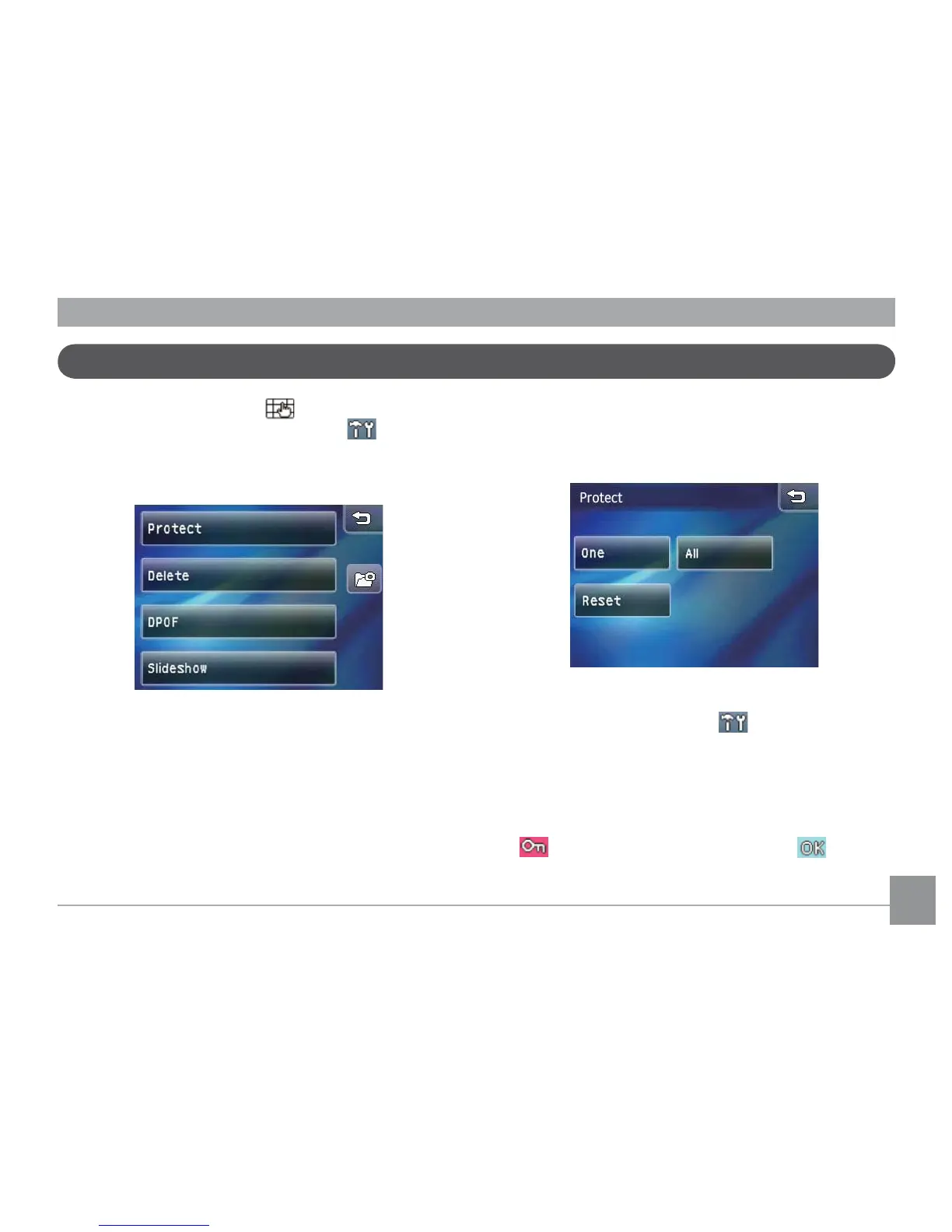
In Playback Mode, there are four options:
• Protect
• Delete
• DPOF Settings
• Slideshow
Protect
This setting allows you to protect and lock one or more
pictures or movies from being erased.
Protect single picture or movie:
1. In Playback mode, press the
button.
2. Select Protect. When the sub-menu appears, select
One.
3. Touch and slide left and right
on the touch screen
to browse the les you wish to protect. Press the
protect button before pressing the button
to protect the selected image.



 To Next Page