FHSD700C Series Product Guide
GE Security
3.2 Cable Connections
Note: All work carried out on these units should be performed by fully qualified personnel. There are no
user serviceable parts inside.
CAUTION: Before installing or removing batteries or carrying out any work that requires
the removal of any board ensure that the power supply is disconnected.
A fused junction box may be used as an external disconnect device.
3.2.1 FHSD721C / FHSD721DC to FHSD7215DC Main Board Connections
This section describes the power, input / output and communications connections for the FHSD721C /
FHSD721DC to FHSD7215DC detectors and how to access the interfaces for the connections. A
summary of these interfaces is shown in the following table.
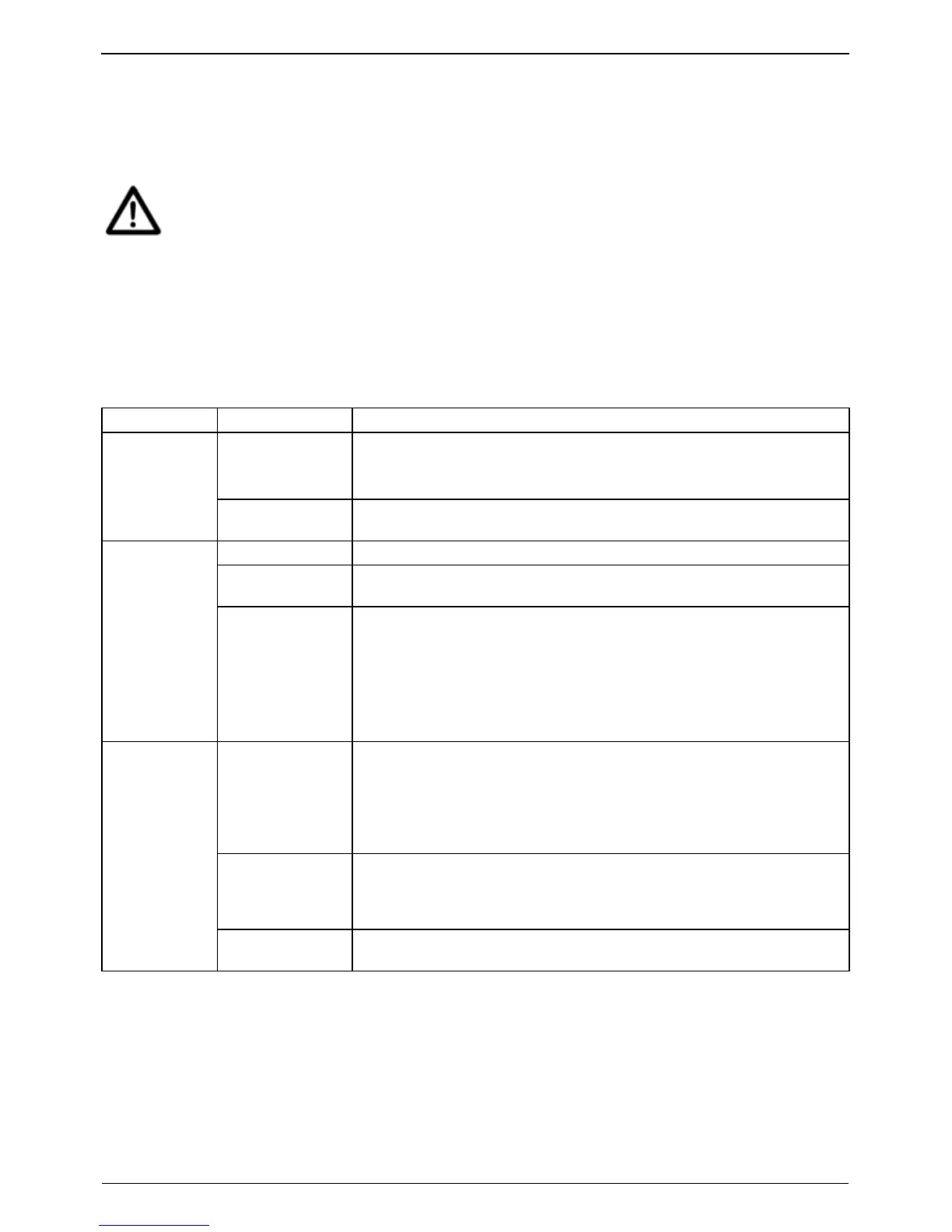
Table 3-1: Standard FHSD721C / FHSD721DC to FHSD7215DC Connections
Category Name Description
24 VDC Input 24 VDC power input from external power supply.
For more information, please refer to External Power Supply Connection on
page 9.
Power
Auxiliary 24 VDC
Output
24 VDC power output rated to 1A for powering an external sounder,
addressable I/O devices etc.
Fault Relay Output Activates when a Fault is detected.
Alarm Relay
Outputs
Alarm relays for each Alarm level (Alert, Action, Fire 1, Fire 2) that are
activated when the corresponding alarm level is detected.
Input / Output
Remote
Reset/Isolate Input
Dual action input for remote reset and isolate.
Remote Reset: Activated by applying 24 VDC.
Remote Isolate: Activated by applying 24 VDC for 8 seconds or more.
Once 24 VDC is removed, the system reverts to normal operation.
The function of this input is programmed in the Setup Menu. More
information can be found in Section 5.3.8 SETUP: Setup Menu on page 29.
RS 485 Enables the following connections:
Connection to a remote Display Panel
Connecting up to 30 detectors on an RS 485 multi-drop network
Connection to a PC with GE Security VSC or VSM4 via a RS232-
RS485 converter.
Ethernet Enables TCP/IP connections to a PC with GE Security VSC or VSM4 via
LAN/WAN.
Note: Not available for the FHSD720C and FHSD721C.
Communications
RS 232 Enables a direct serial connection to a PC with GE Security VSC or VSM4
for configuration and monitoring.
8
www.gesecurity.net



 To Next Page