34 3534 35
1. After selecting the scene type, press the button to
activate.
2. To select a dierent scene type, press the
button
to enter the main function menu. Then press it again to
return to the to Scene selection menu.
The main function menu also allows you to adjust the image
quality and image size. Please refer to the "Advanced
Functions Menu" section on page 21 for detailed
instructions.
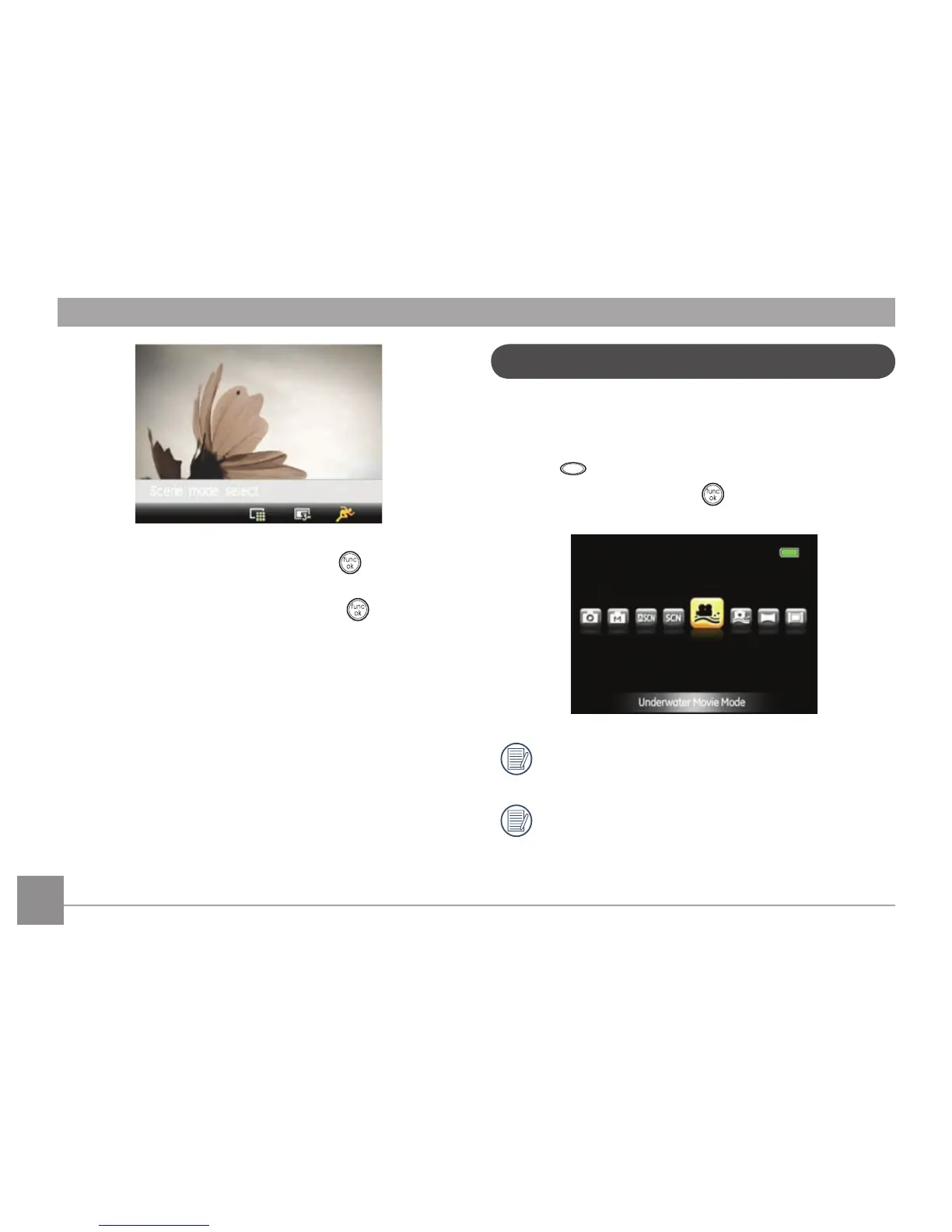
Underwater movie Mode
When you are in the water, you can select Underwater Movie
Mode in the Mode Selection menu to shoot underwater videos.
Press the
button, select Underwater Movie Mode with the
Left/Right button, and press the button for conrmation.
Do not go deeper than 5 meters below the water
surface.
Do not use your camera underwater for more than 2
hours.



 To Next Page