GFK-2306E Chapter 4 Detailed Operation 4-3
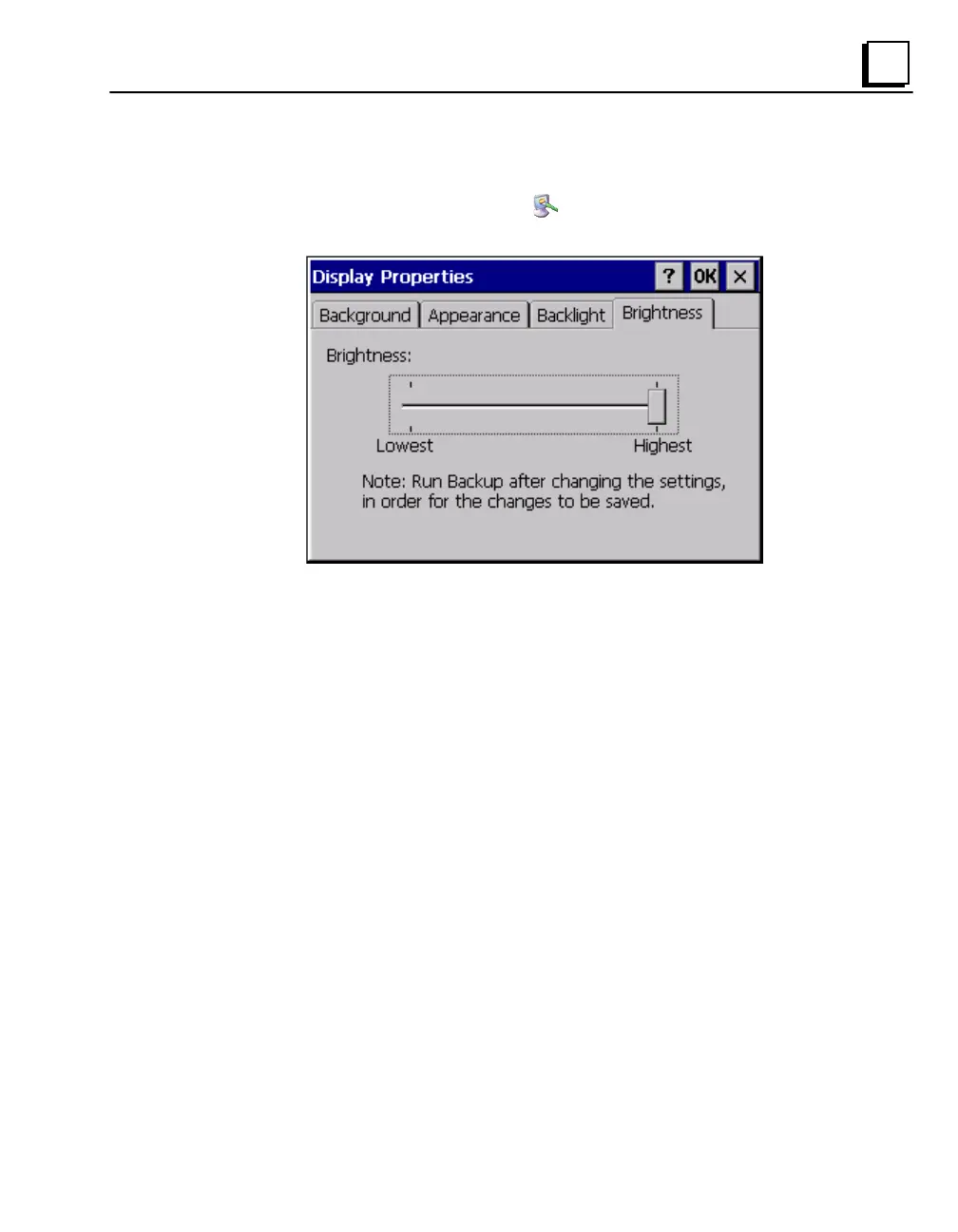
To adjust the display brightness
1. In the Control Panel, double-tap
Display and choose the
Brightness tab. The Brightness dialog box appears.
2. Drag the Brightness slider between Lowest and Highest.
3. Tap OK to exit the control panel.
4. To save the settings, run the Backup utility. (See page 2-10.)



 To Next Page