4-4 12" QuickPanel* View Intermediate, Color and Monochrome – December 2010 GFK-2306E
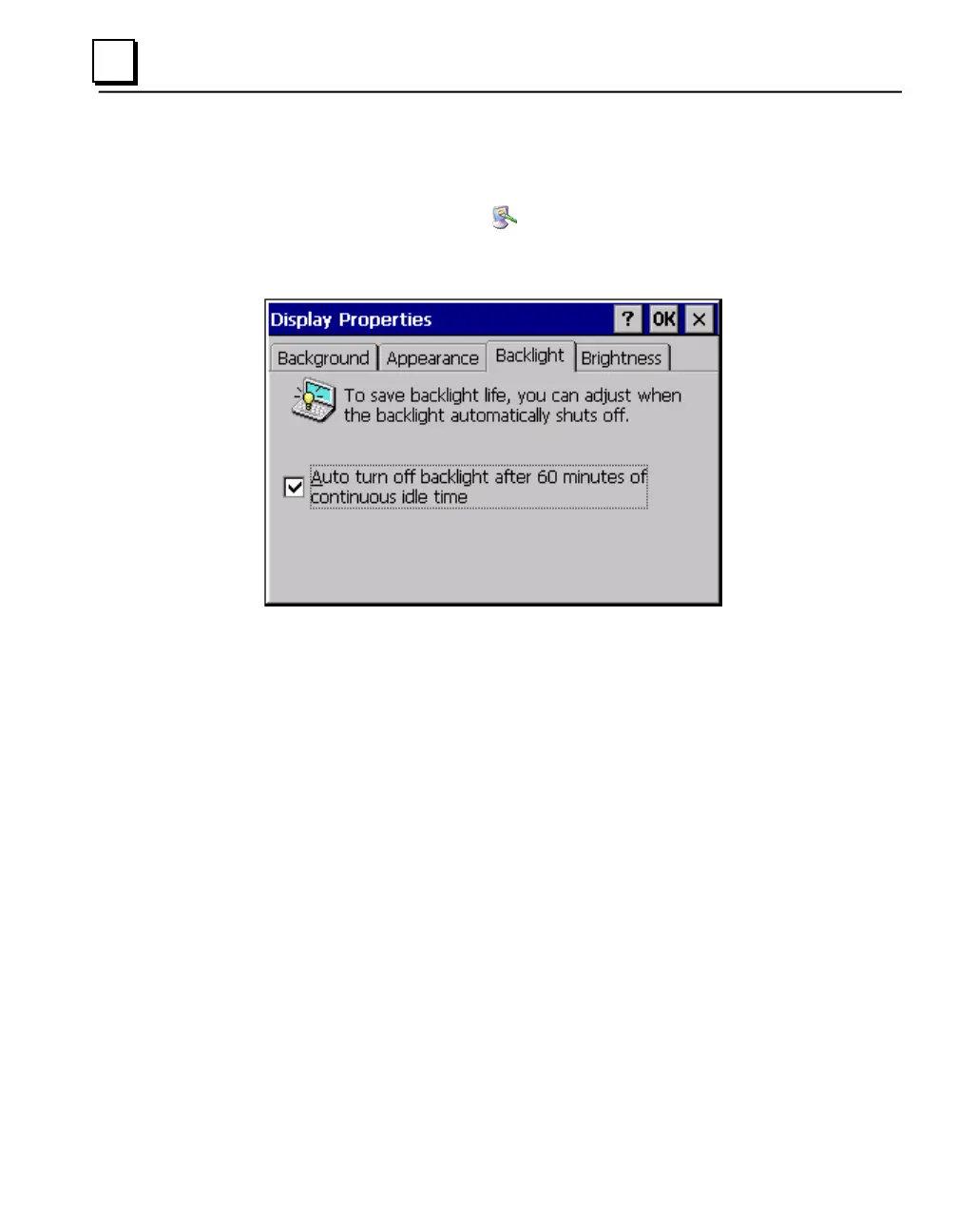
To select backlight auto turn off
1. In the Control Panel, double-tap
Display and choose the Backlight
tab.
The Backlight dialog box appears.
2. Select Auto turn off backlight while on external power.
3. Tap OK to exit the control panel.
4. To save the settings, run the Backup utility. (See page 2-10.)



 To Next Page