GFK-2306E Chapter 4 Detailed Operation 4-7
3. Tap the Recalibrate button.
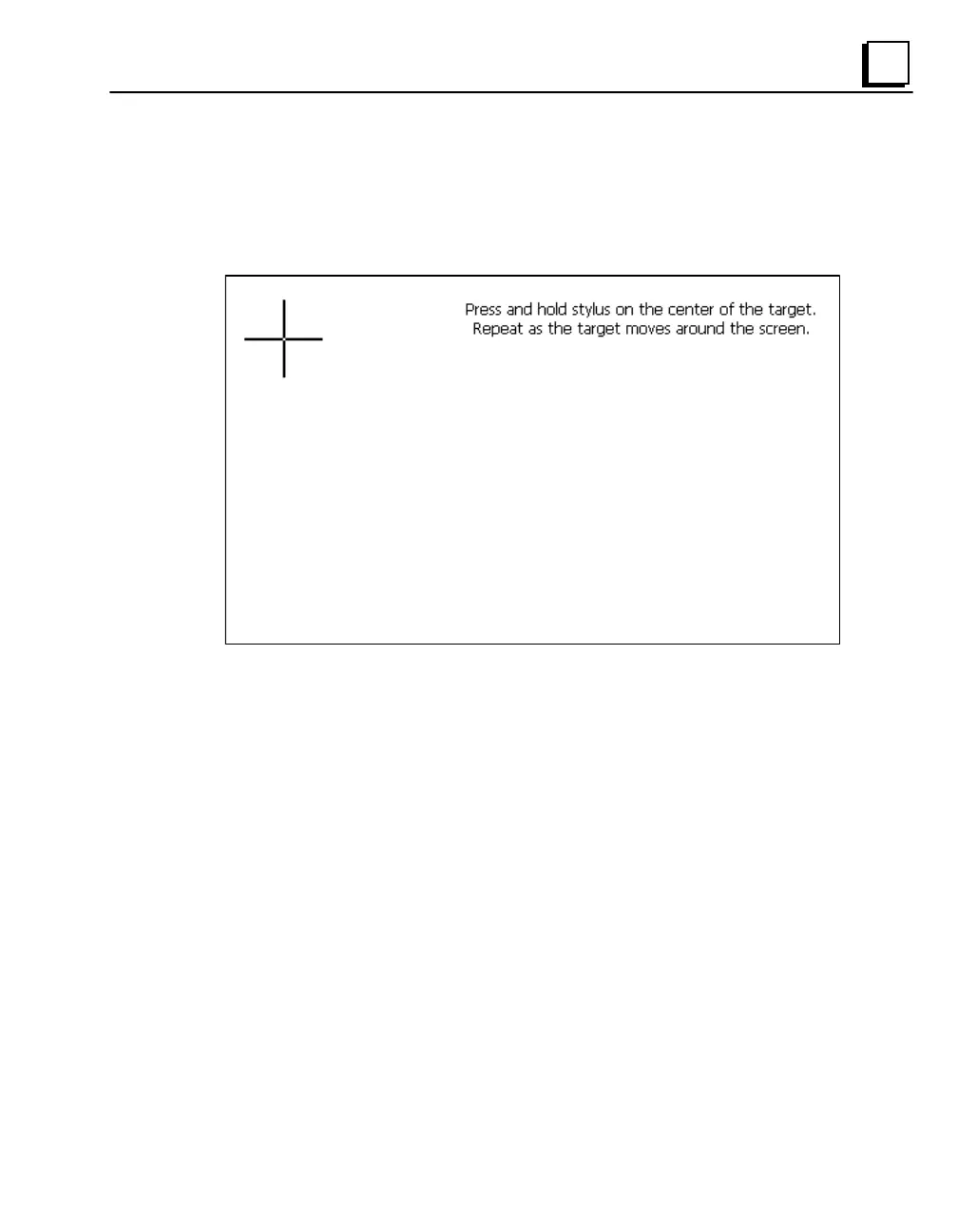
A cross hair target is displayed.
Note: For greatest accuracy, it is recommended that you use a blunt stylus
when calibrating the touch screen.
4. Follow the directions given to calibrate the touch screen.



 To Next Page