20 21
Setting date/time and language
To set the language, date, and time, the following settings
need to be congured in the Setup menu.
• Date / Time
• Display language
To access the Setup menu, do the following:
1. Press
Power to turn the camera on.
2. Press the
button and use Up/Down/Left/Right
to select the Setup menu.
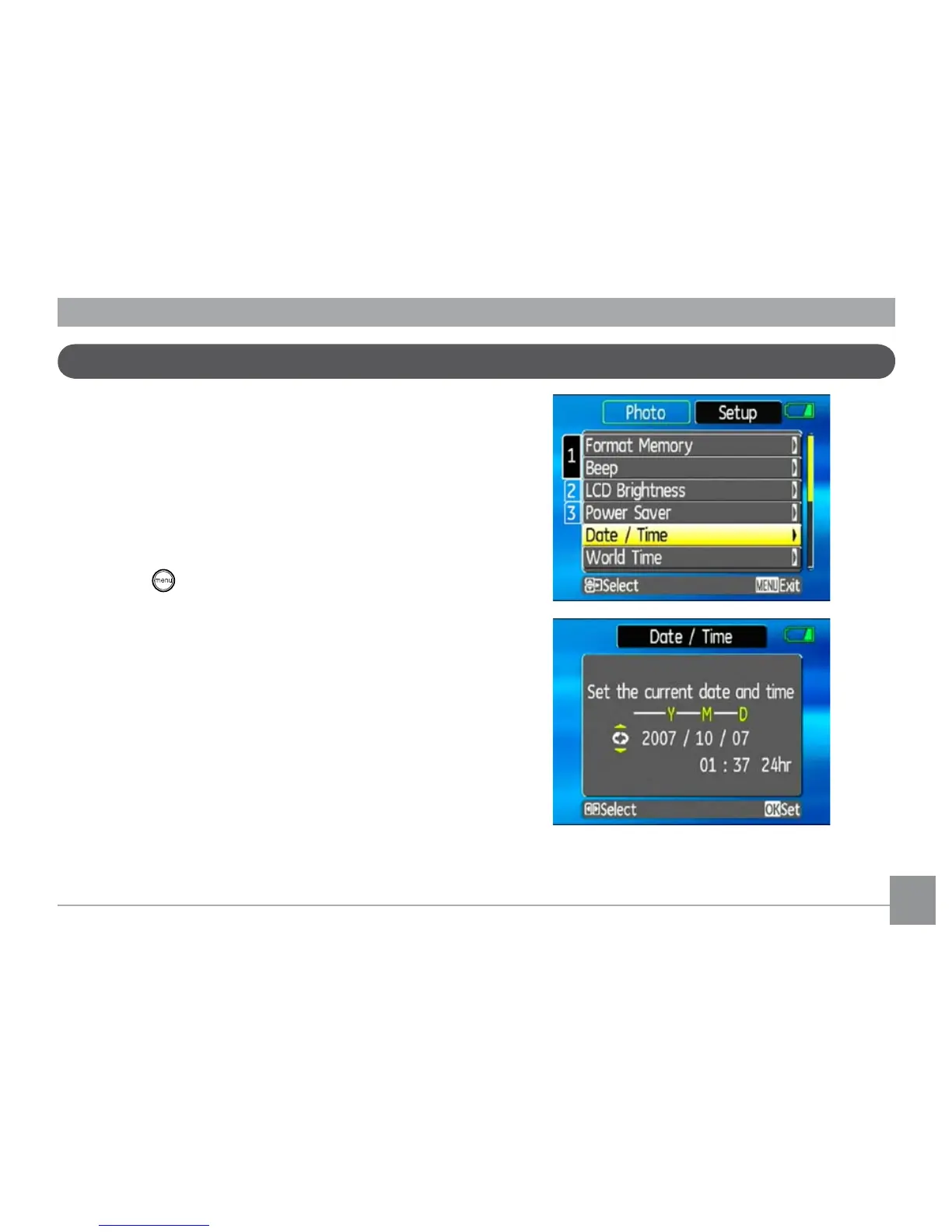
Setting the Date and Time
1. Use the Up/Down to select Date/Time. Then press
the Right to enter the setting.



 To Next Page