68
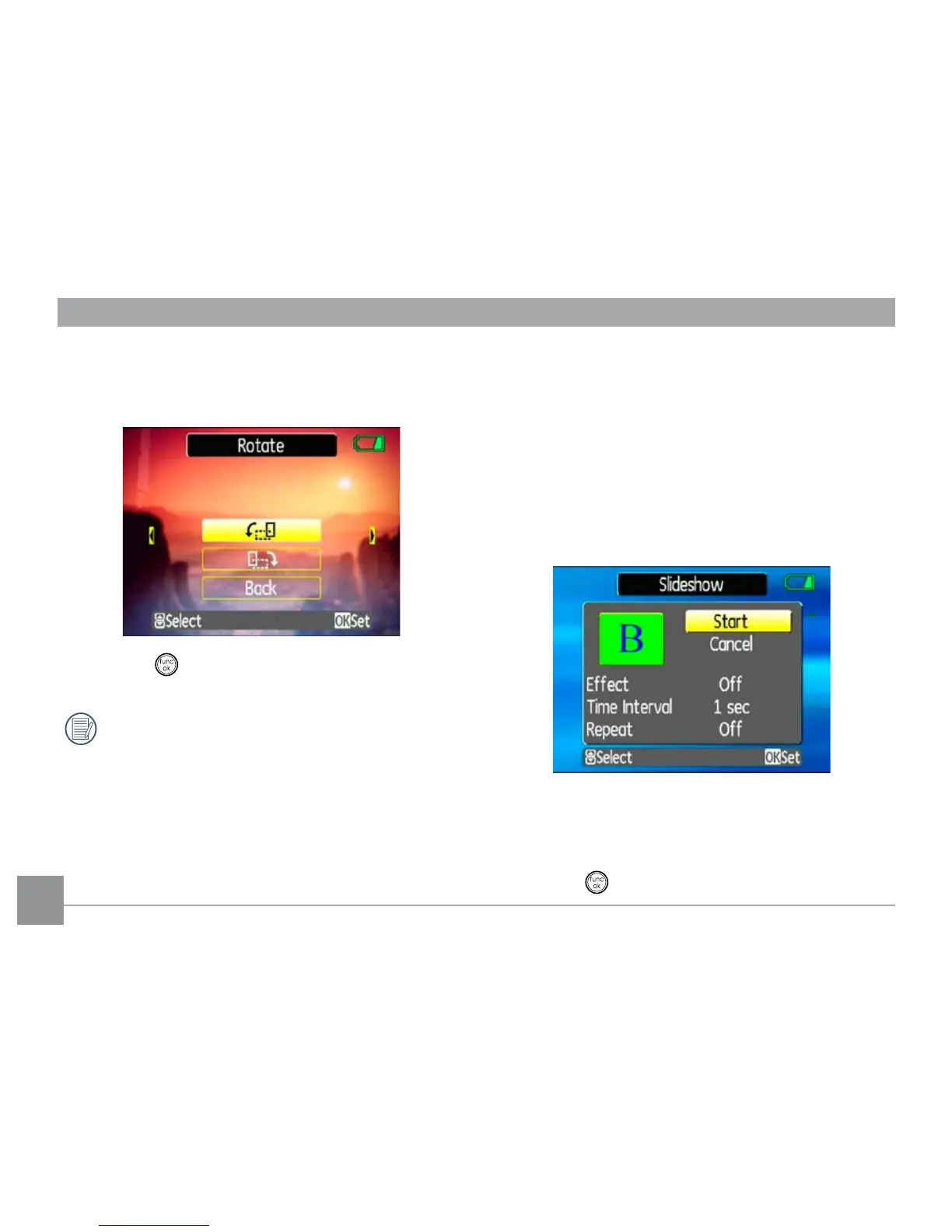
3. Use the Up/Down navigation buttons to select the
direction for rotation or Back to cancel and return to
the Playback menu.
4. Press the button to conrm the setting.
The rotated image will be saved as a new le, and
the original image will remain intact in memory.
Slide show
This setting allows you to view all the stored pictures as
a slideshow.
1. Select the
Slide show setting from the Playback
menu.
2. Use the
Up/Down navigation buttons to select
Eect, Interval time, or Repeat and use the Left/
Right navigation buttons to adjust the setting.
3. Use the Up/Down navigation buttons to select
Start to run the slideshow or Cancel to return to
the Playback menu.
4. Press the
button to conrm the setting.



 To Next Page