54 5554 55
Still menu
USING THE MENUS
Mode :
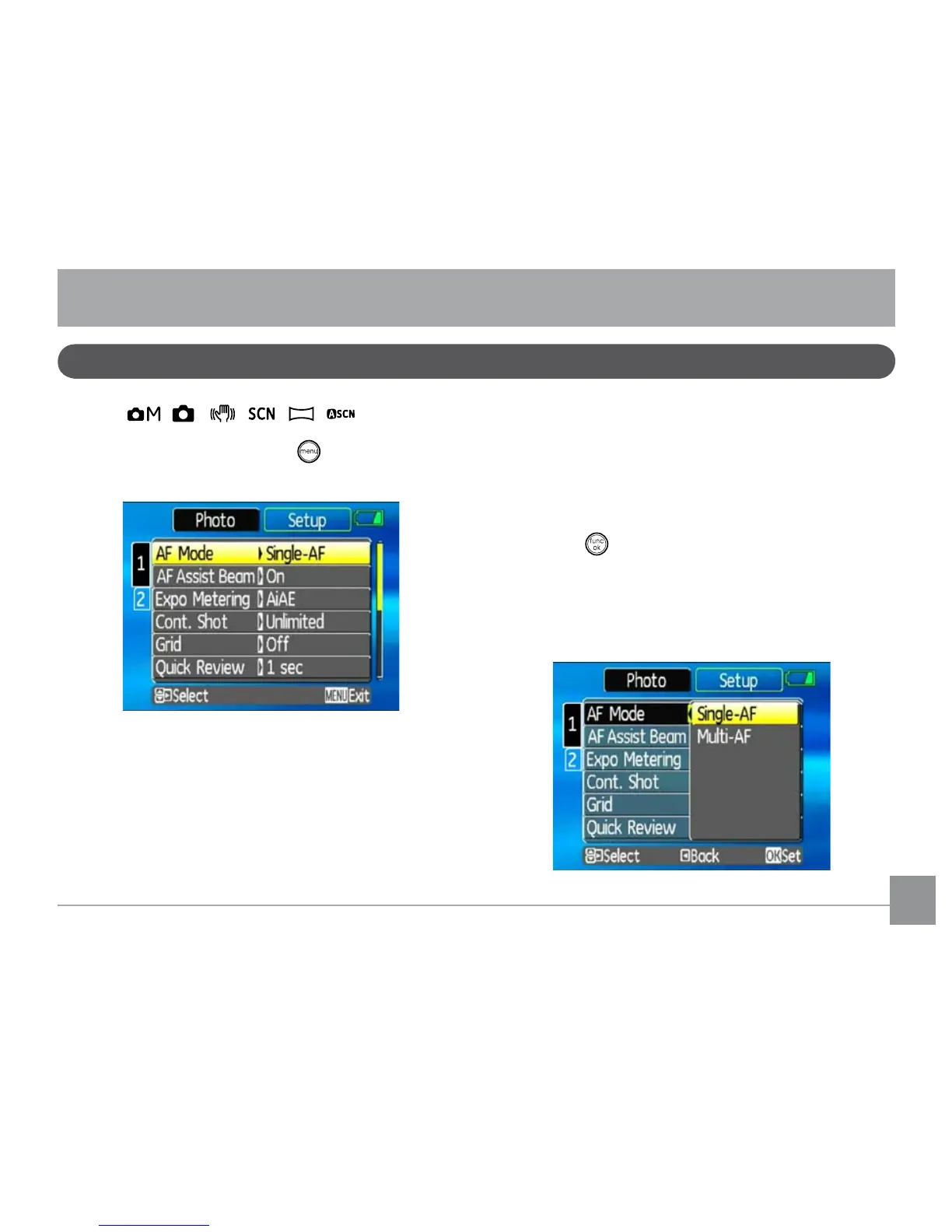
In still shooting modes, press the button to enter the
Still menu.
To congure the settings:
1. In the Still menu, press the
Up/Down button to
switch between the page numbers of the function
menu, and press the Right button to enter the
function menu option.
2. Switch between various functions with the
Up/
Down button.
3. Press the
Right button to enter the sub-menu.
4. Select an option with the
Up/Down navigational
button.
5. Press the
button to conrm the setting and exit
the menu.
Refer to the following sections for more detailed infor-
mation on each setting.



 To Next Page