24 2524 25
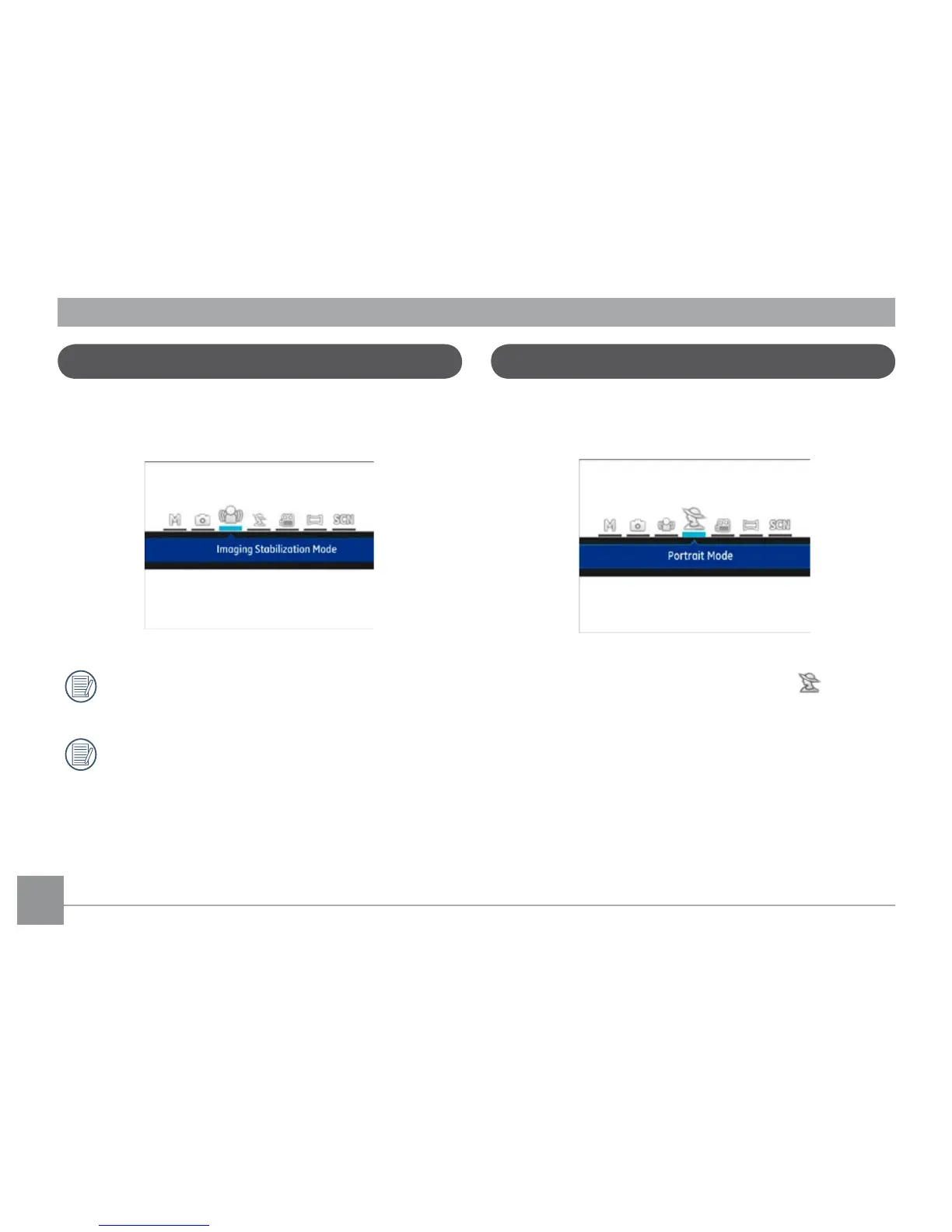
This mode can help reduce photo blur caused by hand shake,
low light and slow shutter speed.
Use Stabilization Mode in dark environments or when
using a slower shutter speed.
Shooting in a windy or unstable environment (such as a
moving vehicle) may cause blurred images.
Imaging Stabilization Mode
In Portrait Mode, the camera is set to automatically adjust
exposure for realistic capture of skin tones.
Press the Mode button to select Portrait mode ( ).
Portrait Mode



 To Next Page
 Loading...












