50 51
Image color setting eect has the following 4 options:
• Normal
• Vivid
• Retro
• Black and White
Blink Detection
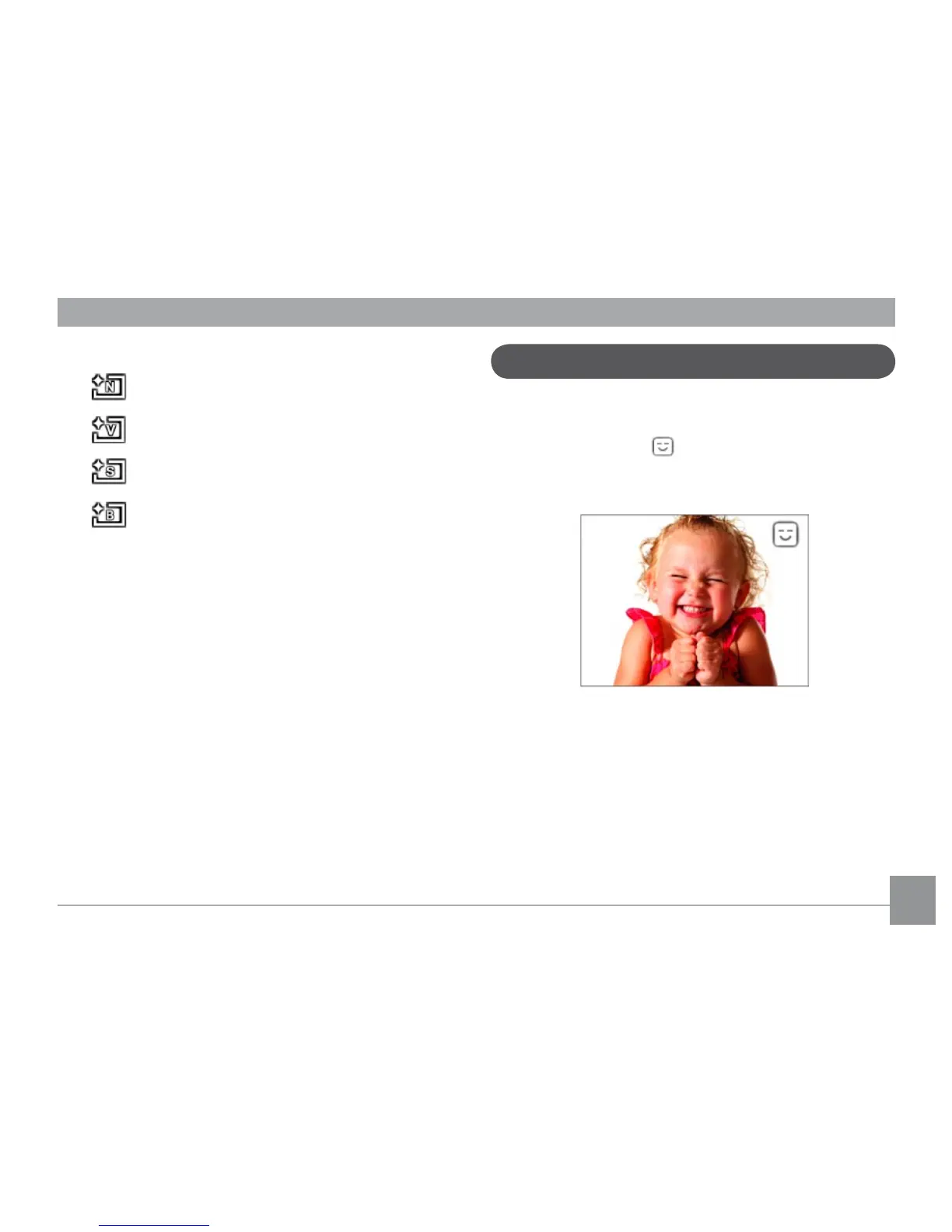
Blink Detection is enabled by default unless disabled by the
user. When shooting, if a subject is detected with closed eyes,
the Blink Detection icon will appear on the screen to
indicate possible blinking.



 To Next Page
 Loading...












