70
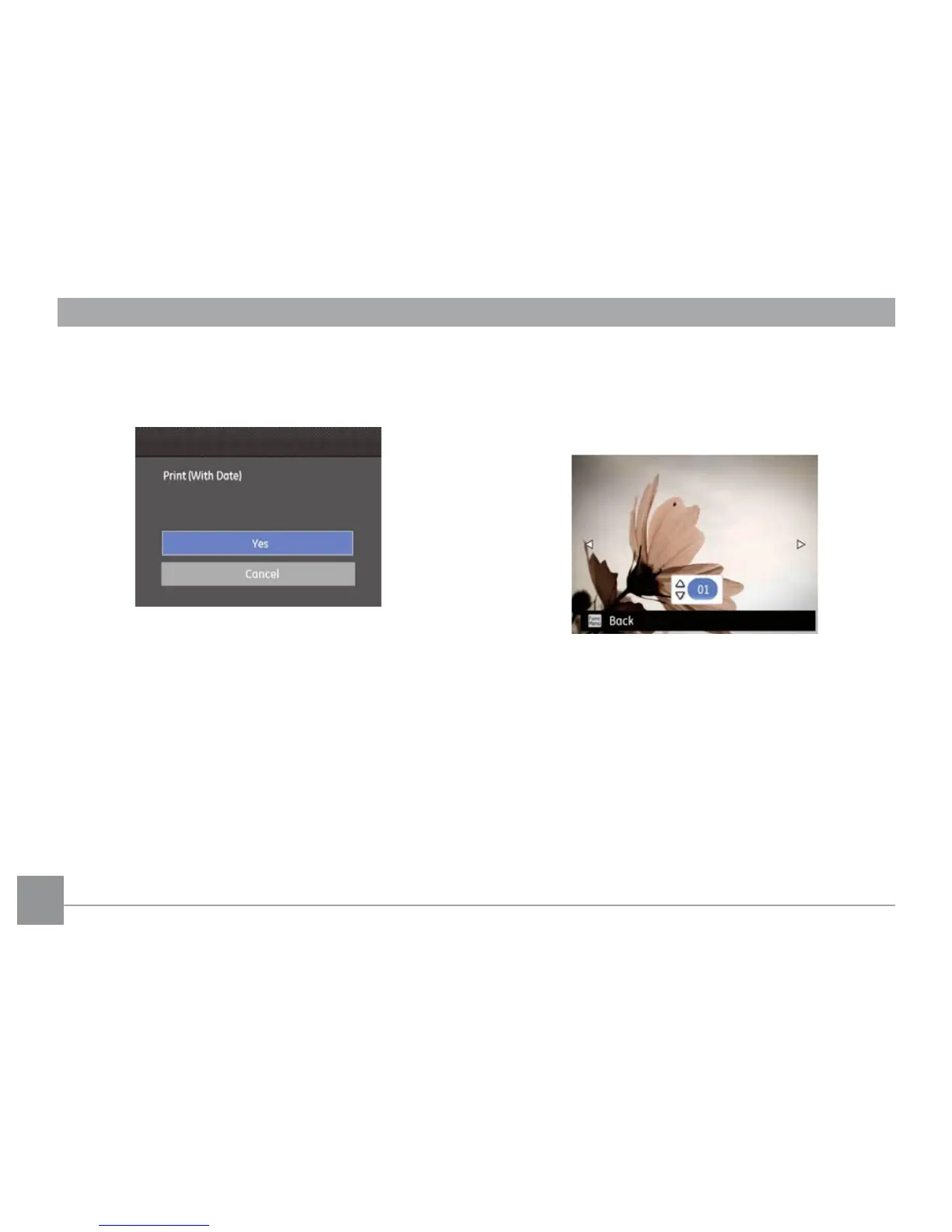
3. Use the Up/Down navigation buttons to select the
number of prints for the current displayed photo.
4. Press the
button and the following screen will appear:
5. Select “Yes”, then press
button: conrm print.
Select “Cancel”, then press
button: cancel print.
Print without Date
Use this setting to print the photos without dates on them.
1. Select
Print without date from the PictBridge menu.
The following screen will appear:
2. Use the Left/Right navigation buttons to scroll through
the images.
3. Use the
Up/Down navigation buttons to select the
number of prints for the current displayed image.
4. Press the
button and the following screen will appear:





 To Next Page