About the time features.
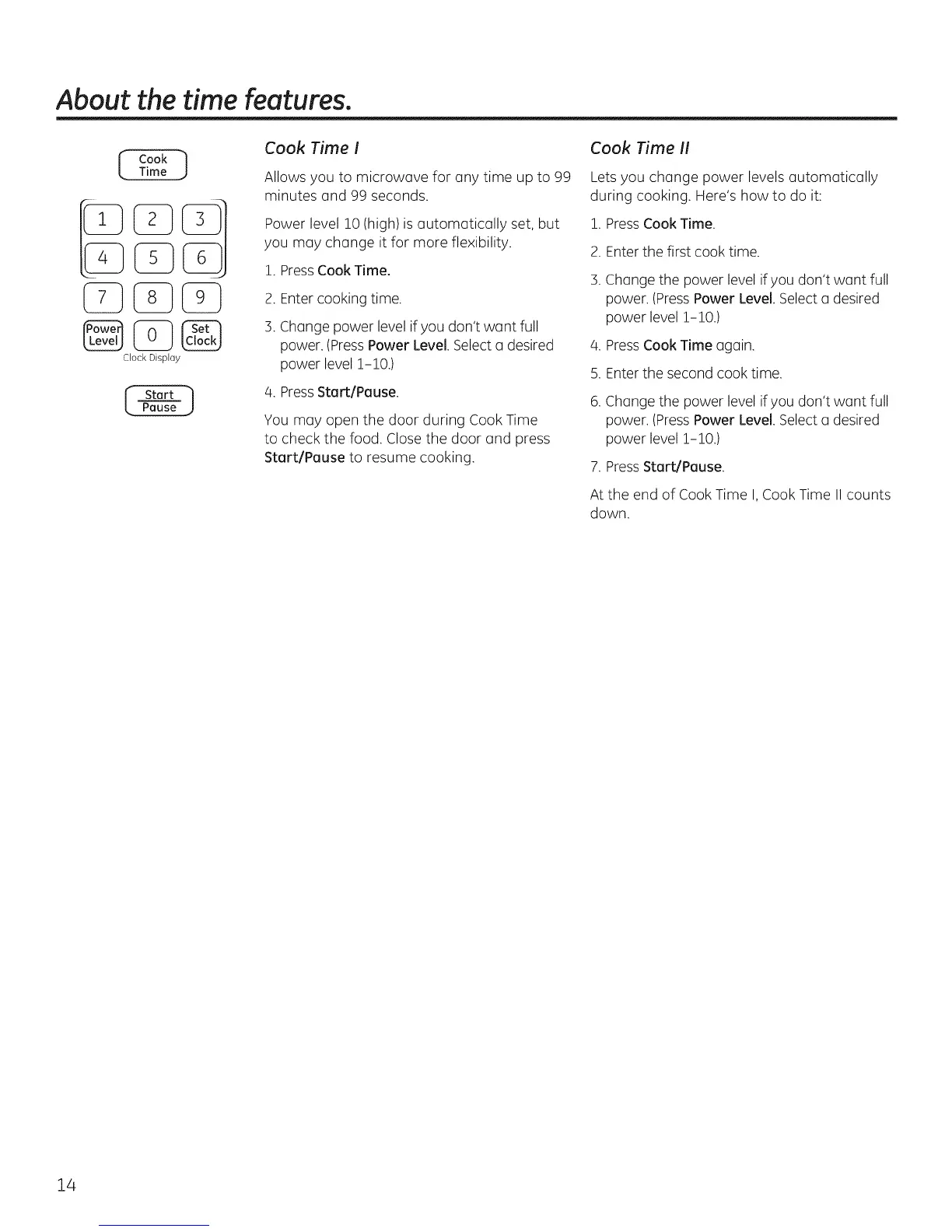
Clock Dis@ay
Cook Time !
Allows you to microwave for any time up to 99
minutes and 99 seconds.
Power level !0 (high)is automatically set, but
you may change it for more flexibility.
!. PressCook Time.
2. Enter cooking time.
3. Change power level if you don't want full
power. (PressPower Level. Select a desired
power level !-!0.)
4. Press Start/Pause.
You may open the door during Cook Time
to check the food. Close the door and press
Start/Pause to resume cooking.
Cook Time I!
Lets you change power levels automatically
during cooking. Here's how to do it:
i. PressCook Time.
2. Enter the first cook time.
3.
4.
5.
Change the power level if you don't want full
power. (PressPower Level,Select a desired
power level !-!0.)
Press Cook Time again.
Enterthe second cook time.
.
Change the power level if you don't want full
power, (PressPower Level.Select a desired
power level !-!0.)
7. Press Start/Pause.
At the end of Cook Time I, Cook Time II counts
down.
14



 To Next Page