About other features. GEApplio,ces.com
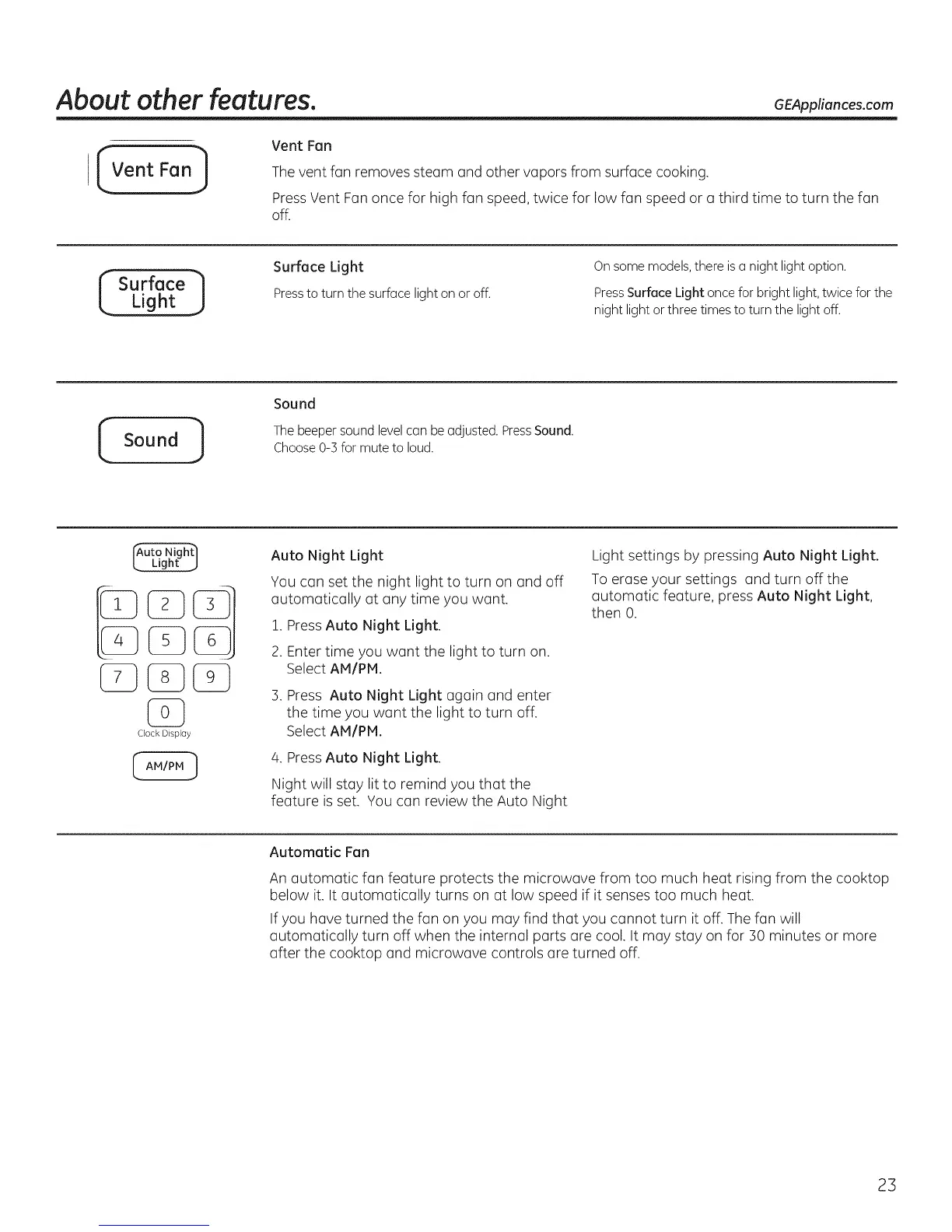
Vent Fan
The vent fan removes steam and other vapors from surface cooking.
PressVent Fan once for high fan speed, twice for low fan speed or a third time to turn the fan
off.
_ Surface
Light J
Surface Light
Pressto turn the surface light on or off.
On some models, there isa night light option.
PressSurface Light once for bright light, twice for the
night light or three times to turn the light off.
Sound ]
Sound
The beeper sound level can be adjusted. PressSound.
Choose 0-3 for mute to loud.
Clock Display
Auto Night Light
You can set the night light to turn on and off
automatically at any time you want.
1. PressAuto Night Light.
2. Enter time you want the light to turn on.
Select AM/PM.
3. Press Auto Night Light again and enter
the time you want the light to turn off.
Select AM/PM.
4. PressAuto Night Light.
Night will stay lit to remind you that the
feature isset. You can review the Auto Night
Light settings by pressing Auto Night Light.
To erase your settings and turn off the
automatic feature, press Auto Night Light,
then 0.
Automatic Fan
An automatic fan feature protects the microwave from too much heat rising from the cooktop
below it. It automatically turns on at low speed if it senses too much heat.
Ifyou hove turned the fan on you may find that you cannot turn it off. The fan will
automatically turn off when the internal parts are cool. It may stay on for 30 minutes or more
after the cooktop and microwave controls are turned off.
23



 To Next Page