NX-590E Internet Interface
7
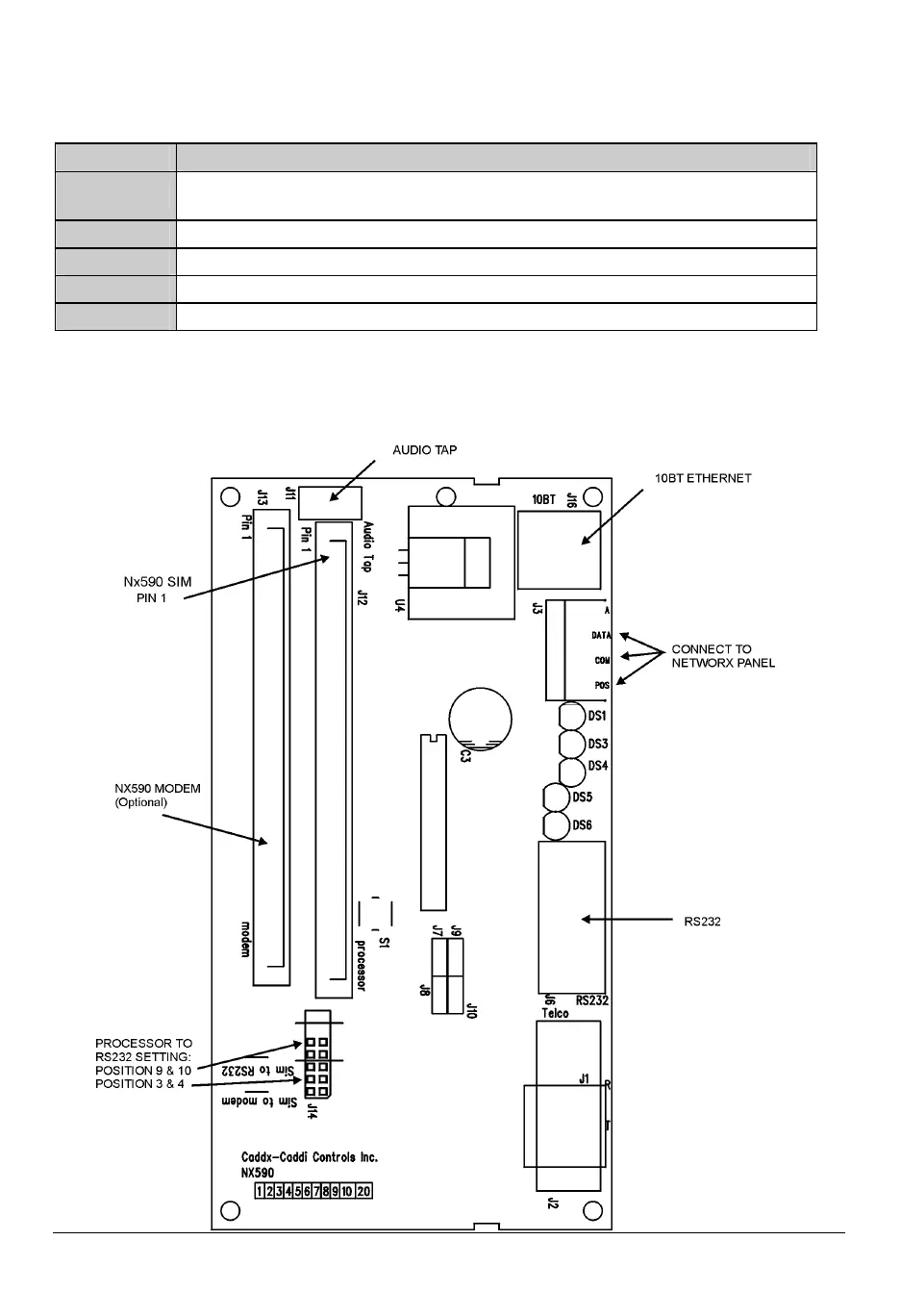
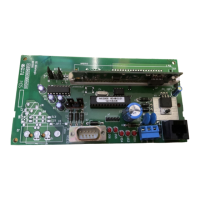
7. TERMINAL DESCRIPTION
TERMINAL
DESCRIPTION
POS
Connect to the KP POS terminal of the panel. Current draw is 100 mA
for the NX-590E.
COM Connect to the KP COM terminal of the panel.
DATA Connect to the KP DATA terminal of the panel.
J16 Connect to 10BT network hub using a CAT5 patch cable.
J6 Connect to RS-232 Modem when unit is delivered with serial software.
8. CONNECTION DIAGRAM


 To Next Page