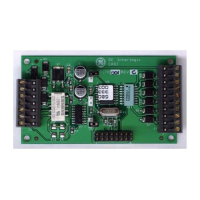
NX-590E Internet Interface
9
6. Exiting the Program Mode:
When all the desired changes in programming have been made, it is time to exit the
Program Mode. Pressing the [Exit] key will exit this programming level.
B. USING THE LCD KEYPAD
All steps required for programming are the same as the aforementioned LED keypad.
The LCD keypad display will prompt you for the data required. While in the
programming mode, and not in a location, the number in parenthesis is the location you
were previously changing. For example, if the display reads, "Enter location, then #
(5)", it is reminding you that location 5 was the last location you programmed. Refer
also to "Programming Data" which follows.
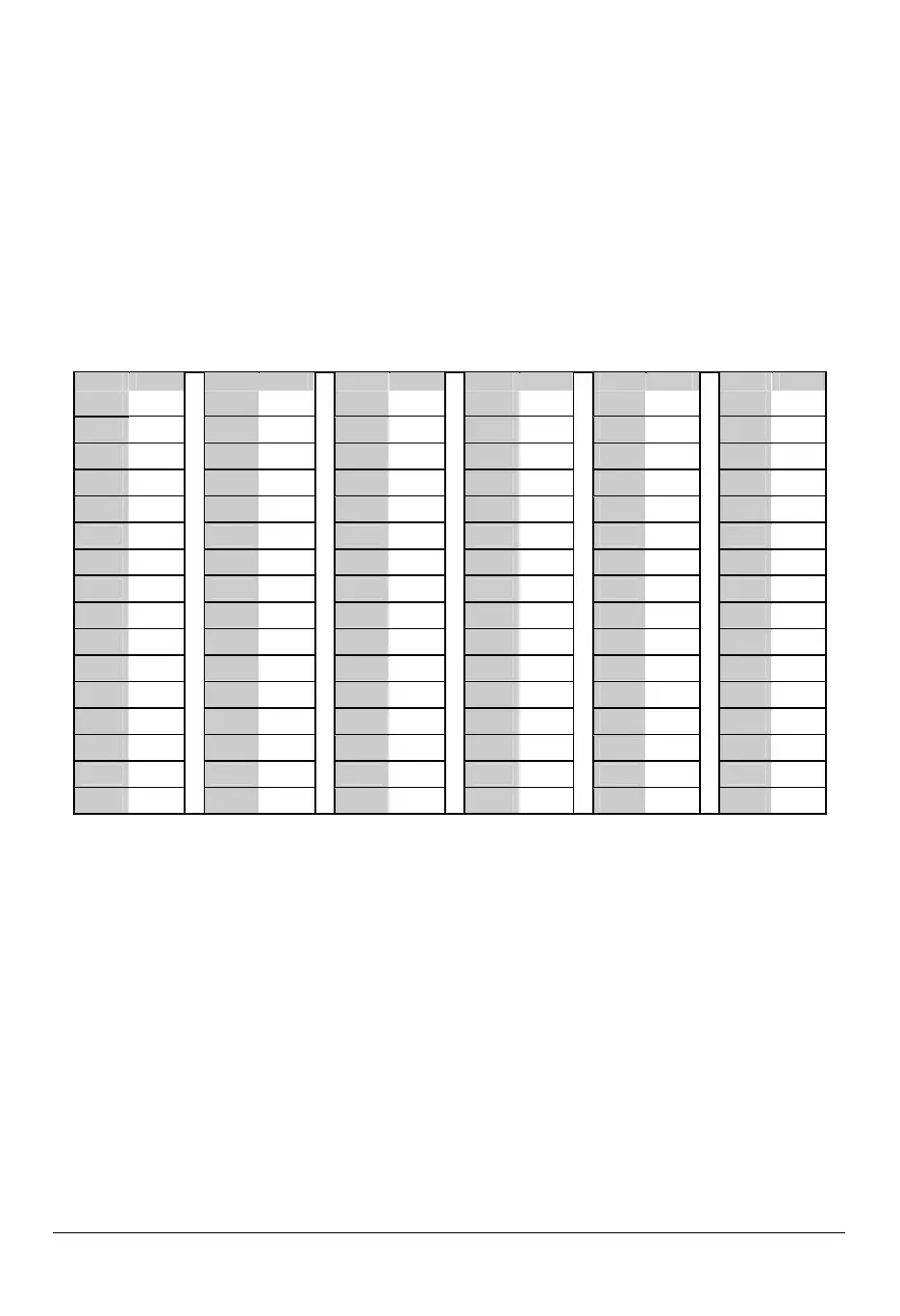
Table 9-1
No. No. No. No. No. No.
0
0
0
0
1
1
6
6
P
3
3
2
2
5
4
4
8
8
l
6
6
4
4
"
8
8
0
0
<
0
0
1
1
A
1
1
7
7
Q
3
3
3
3
6
4
4
9
9
m
6
6
5
5
#
8
8
1
1
=
0
0
2
2
B
1
1
8
8
R
3
3
4
4
7
5
5
0
0
n
6
6
6
6
$
8
8
2
2
>
0
0
3
3
C
1
1
9
9
S
3
3
5
5
8
5
5
1
1
o
6
6
7
7
%
8
8
3
3
?
0
0
4
4
D
2
2
0
0
T
3
3
6
6
9
5
5
2
2
p
6
6
8
8
&
8
8
4
4
@
0
0
5
5
E
2
2
1
1
U
3
3
7
7
a
5
5
3
3
q
6
6
9
9
'
8
8
5
5
[
0
0
6
6
F
2
2
2
2
V
3
3
8
8
b
5
5
4
4
r
7
7
0
0
(
8
8
6
6
ù
0
0
7
7
G
2
2
3
3
W
3
3
9
9
c
5
5
5
5
s
7
7
1
1
)
8
8
7
7
]
0
0
8
8
H
2
2
4
4
X
4
4
0
0
d
5
5
6
6
t
7
7
2
2
r
8
8
8
8
^
0
0
9
9
I
2
2
5
5
Y
4
4
1
1
e
5
5
7
7
u
7
7
3
3
+
8
8
9
9
_
1
1
0
0
J
2
2
6
6
Z
4
4
2
2
f
5
5
8
8
v
7
7
4
4
,
9
9
0
0
`
1
1
1
1
K
2
2
7
7
0
4
4
3
3
g
5
5
9
9
w
7
7
5
5
-
9
9
1
1
{
1
1
2
2
L
2
2
8
8
1
4
4
4
4
h
6
6
0
0
x
7
7
6
6
.
9
9
2
2
|
1
1
3
3
M
2
2
9
9
2
4
4
5
5
I
6
6
1
1
y
7
7
7
7
/
9
9
3
3
}
1
1
4
4
N
3
3
0
0
3
4
4
6
6
j
6
6
2
2
z
7
7
8
8
:
9
9
4
4
º
1
1
5
5
O
3
3
1
1
4
4
4
7
7
k
6
6
3
3
!
7
7
9
9
;
9
9
5
5
»
C.
PROGRAMMING DATA
Programming data is always one of three types. One type of data is numerical, which
can take on values from 0 -15, 0 - F, or 0 -255 depending on the segment size. The
other type of data, feature selection data, is used to turn features on/off. It can also be
used as character data for Internet names. Use the following procedures with these
data types:
1. Numerical Data
Numerical data is programmed by entering a number from 0-255 on the numeric keys of
the system keypad. To view the data in a location, a binary process is used. With this
process, the LED=s for zones 1 through 8 are utilized, and the numeric equivalents of
their illuminated LED=s are added together to determine the data in a programming
location. The numeric equivalents of these LED=s are as follows:
Zone 1 LED = 1 Zone 3 LED = 4 Zone 5 LED = 16 Zone 7 LED = 64
Zone 2 LED = 2 Zone 4 LED = 8 Zone 6 LED = 32 Zone 8 LED = 128


 To Next Page