15
Safety Instructions
Operating Instructions
Care and Cleaning Troubleshooting Tips Consumer Support
Care and cleaning of the cooktop. ge.com
Be sure electrical power is off and all surfaces are cool before cleaning any part of the cooktop.
How to Remove Protective Shipping Film and Packaging Tape
Carefully grasp a corner of the protective
shipping film with your fingers and slowly
peel it from the appliance surface. Do not
use any sharp items to remove the film.
Remove all of the film before using the
appliance for the first time.
To assure no damage is done to the
finish of the product, the safest way to
remove the adhesive from packaging tape
on new appliances is an application of a
household liquid dishwashing detergent.
Apply with a soft cloth and allow to soak.
NOTE: The adhesive must be removed from
all parts before using the cooktop. It cannot
be removed if it is baked on.
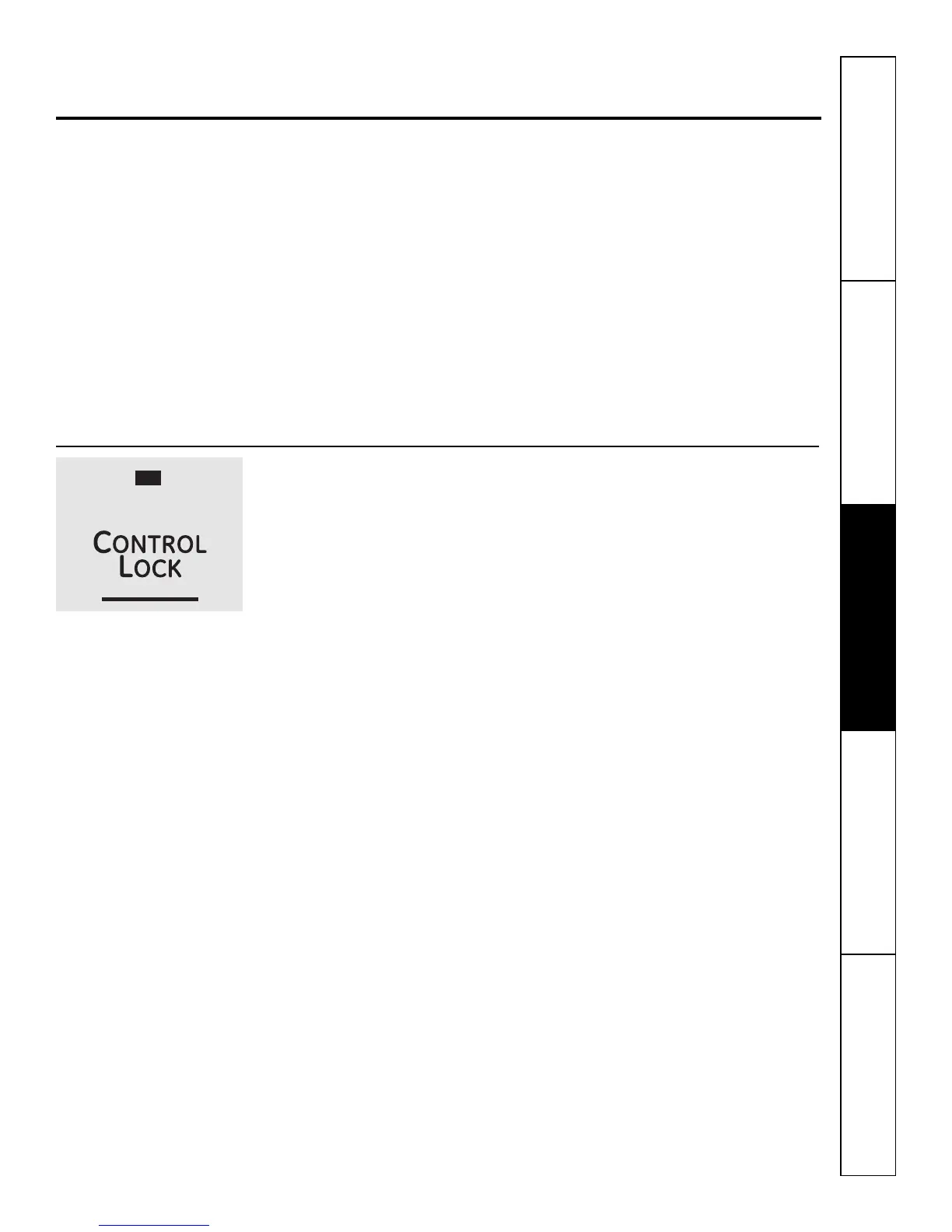
Control Lock Pad
As a convenience, you can lock the
entire cooktop at any time when it is
not in use or before cleaning.
Locking the cooktop will prevent
surface elements from being turned
on accidentally.
Begin by locking the cooktop; see
Control Lock, page 13.


 To Next Page