23
Recording a Program
Types of Recordings
Your TV/VCR provides different ways to record which are explained in the
following sections:
Basic Recording
Express Recording
Timer Recording
Copying and Editing Tapes
Basic Recording
How to Make a Recording
1. Insert a tape with safety tab in place.
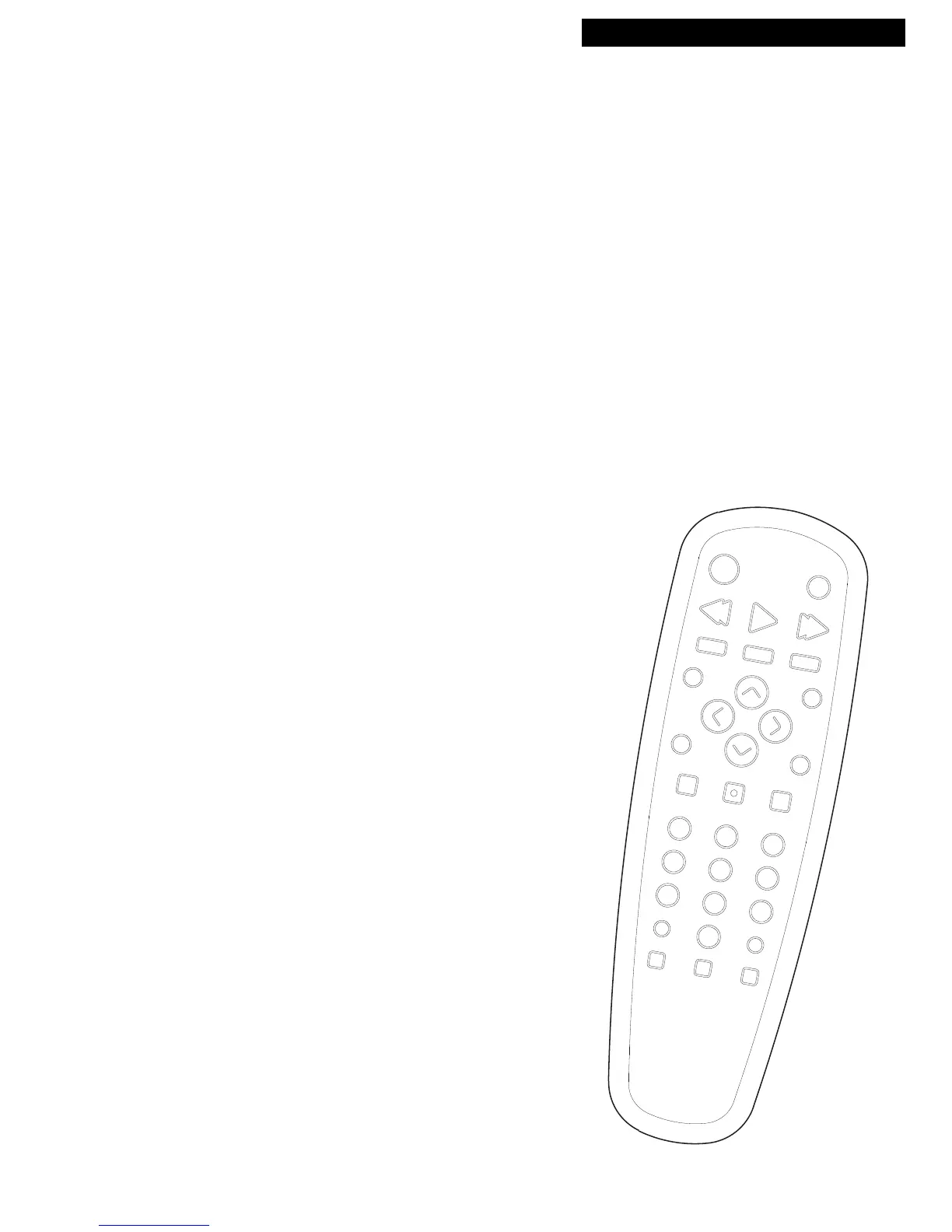
2. Press SPEED to select a recording speed.
The tape speed indicator appears.
3. Select the channel to be recorded.
To record from the AUDIO/VIDEO IN jacks, press INPUT
to select the rear AUDIO/VIDEO IN jacks instead of a
channel. Press INPUT again to select the front
AUDIO/VIDEO IN jacks.
4. Press REC to begin recording.
The indicator light in the REC button on the front of the
TV/VCR turns on during recording.
5. Press STOP/EJECT on the TV/VCR or STOP on the
remote to stop recording.



 To Next Page