6
CHAN
^
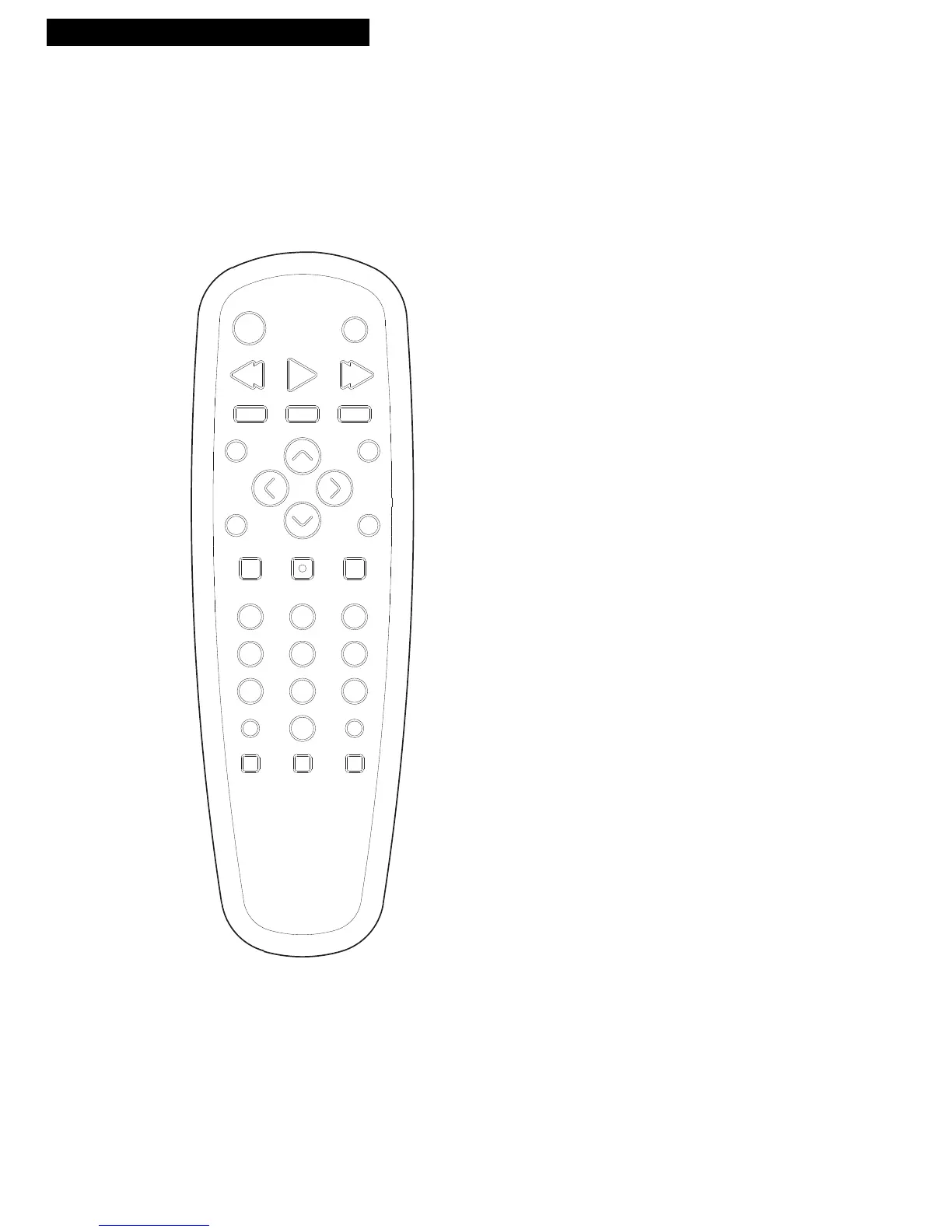
and v (Channel up and down)
Selects next higher or lower channel in
channel memory.
CLEAR
Removes all menus from the screen.
Allows you to change menu entries or
clear a timer recording.
Resets time counter to 0:00:00 when it
is displayed.
DISPLAY
Displays TV/VCR’s current status.
Displays time counter when a tape
is inserted.
Removes displays.
F. ADV (Frame Advance)
Fast forwards the tape through a
commercial when a tape is playing.
Advances the tape one video frame at a
time when the tape is in PAUSE mode.
FF (Fast Forward)
Fast forwards the tape when the
TV/VCR is stopped.
Searches the picture in forward motion
during playback.
INPUT
Switches between the signal from a
component connected to the AUDIO and
VIDEO INPUT jacks and TV Signal.
Press once to select rear AUDIO/VIDEO IN
jacks; press again to select front
AUDIO/VIDEO IN jacks.
MENU
Displays the TV/VCR MAIN MENU.
Advances to next program during
program review.
MUTE
Reduces volume to a minimum level.
Using the Remote Control
Buttons



 To Next Page