TV/VCR MAIN MENU
1 Screen
2 Time
3 Timer Recordings
25
Recording a Program
Timer Recording
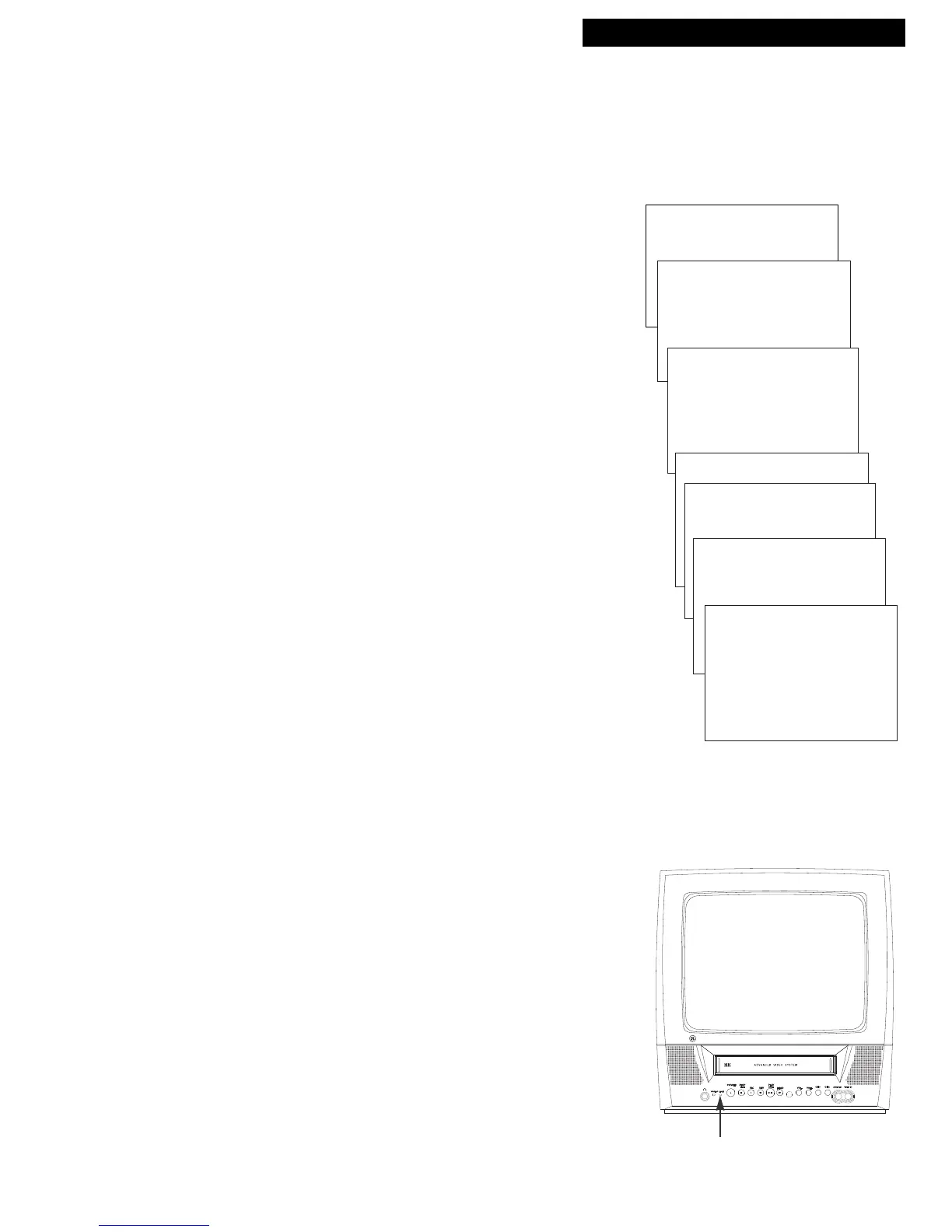
TIMER RECORD Indicator
Timer recording lets you program the TV/VCR to record up to eight different programs.
This is useful if you plan on being away from home for a long period of time. Before setting
the timer, make sure that the clock is set correctly.
Setting a Timer Recording
1. Press MENU to display the TV/VCR MAIN MENU.
2. Press 3 to display the TIMER RECORDINGS menu.
3. Press 1 to Create a New Program.
4. Press 1, 2, 3, or 4 to select the type of program.
1 One time — single program recorded once.
2 Daily — program recorded at same time every day.
3 Weekdays — program recorded at same
time Monday through Friday.
4 Weekly — program recorded at same time
once a week.
5. Use the number buttons to enter the channel number,
start time including AM or PM, end time, and start date
of the recording. Just follow the on-screen prompts.
• To record from the AUDIO/VIDEO IN jacks, press
INPUT. Two selections appear in the channel field. Press
1 to select VIDEO 1, the rear AUDIO/VIDEO IN jacks.
Press 2 to select the front panel AUDIO/VIDEO IN jacks.
Press CLEAR to correct an entry.
6. Press SPEED to select a recording speed.
7. Press MENU to save your program.
8. Repeat steps 3 – 6 for additional programs.
9. Insert a tape with safety tab intact before the recording is
to begin.
The TIMER REC indicator lights in the TV/VCR’s
front panel.
If you turn the TV/VCR off, the TIMER REC indicator
will flash if there is no cassette in the TV/VCR or the
safety tab is missing from the cassette.
10. If using a cable box, turn it on and tune it to the channel
you want to record before time for the recording to begin.
TIMER RECORDINGS
1 Create a New Program
2 Review existing Progs.
How often should this
program record?
1 One time
2 Daily (every day)
3 Weekdays (M-F)
4 Weekly (once per week)
Program 1 (One Time)
Program 1 (One Time)
Channel 08
Start Time --:--
Program 1 (One Time)
Channel 08
Start Time 02:10 PM
End Time --:--
Program 1 (One Time)
Channel 08
Start Time 02:10 PM
End Time 03:35 PM
Start Date 11/18/94 Fri
Tape Speed SLP
Press CLEAR to correct
Press MENU to exit



 To Next Page