Checking or Clearing Timer Recordings
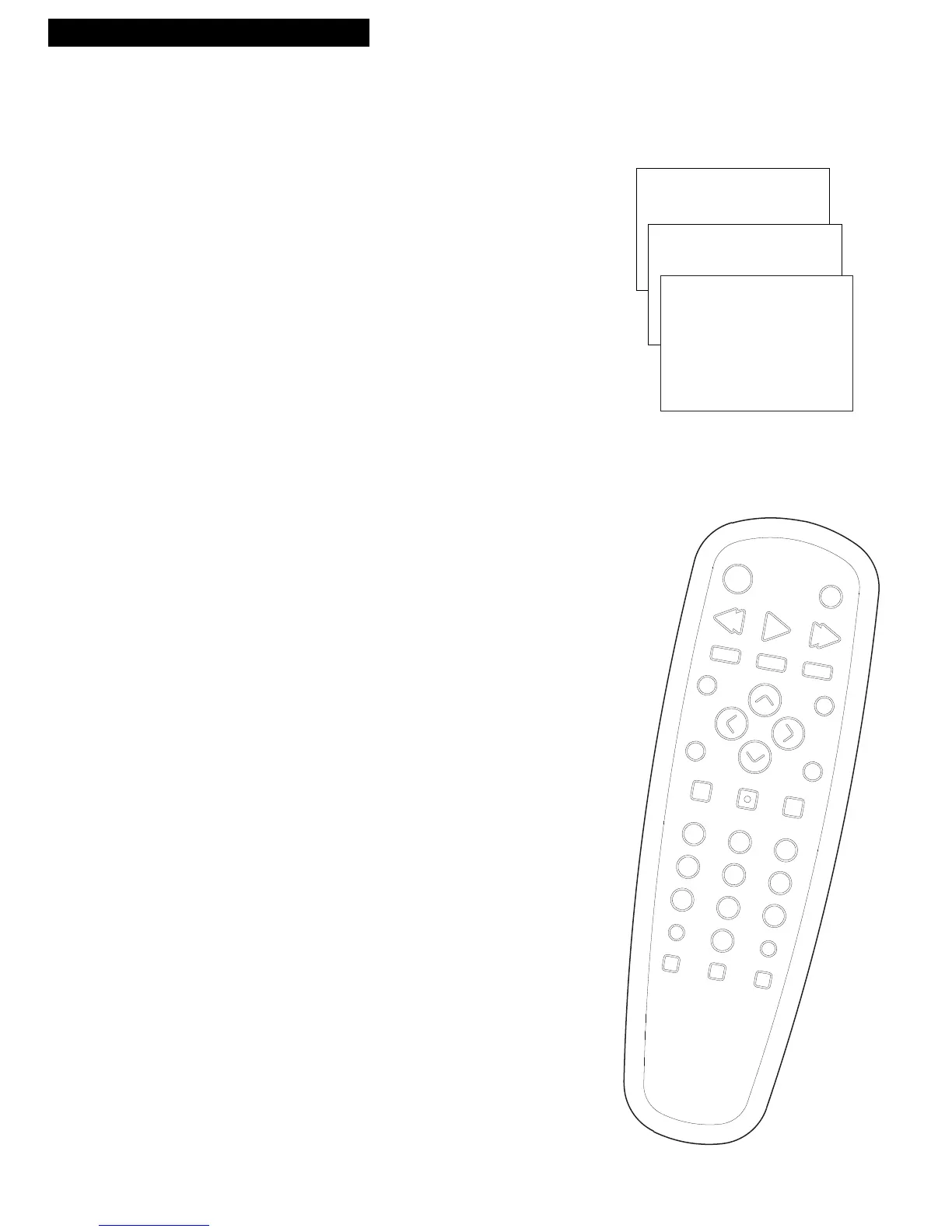
1. Press MENU on the remote to display the TV/VCR
MAIN MENU
.
2. Press 3 to display the TIMER RECORDINGS menu.
3. Press 2 to Review Existing Progs. (programs).
4. Press CLEAR to erase a program.
5. Press MENU to review the next program
in sequence.
• After you have reviewed all of your programs
press MENU to exit.
Stopping A Timer Recording
1. Press and hold STOP/EJECT on the TV/VCR or STOP
on the remote.
A timer program in progress will be stopped. Only
today’s recording of a Daily, Weekdays, or Weekly
program is canceled. The Daily, Weekdays, or Weekly
program remains in the timer.
Program 1 (One time)
Channel 08
Start Time 02:10 PM
End Time 03:35 PM
Start Date 11/18/94 Fri
Tape Speed SLP
Press CLEAR to erase
Press MENU for next prog



 To Next Page