EasyManua.ls Logo

GE Wizard DPSE592GA0 - Control Settings

GE Wizard DPSE592GA0
40 pages
Print Icon
To Next Page IconTo Next Page
To Previous Page IconTo Previous Page
Loading...
15
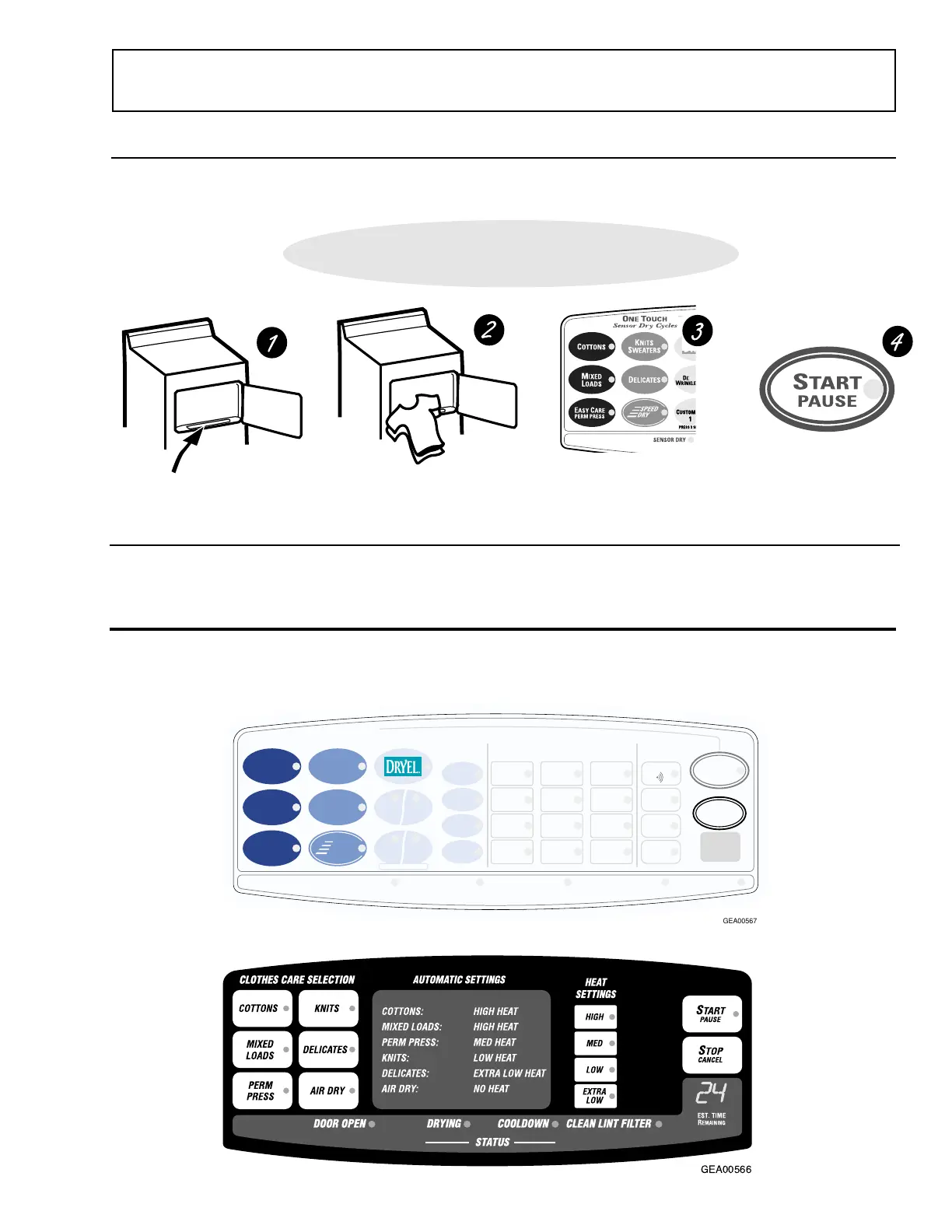
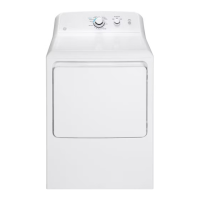
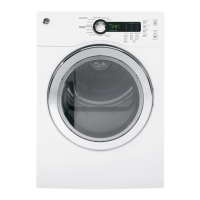
Dryer control panel.
You can locate your model number on the label on the front of the dryer, behind the door.
Model Type 592
Model Type 591
ONE TOUCH
Quick Start Guide
• Clean lint filter
• Add clothes
• Select dry cycle
• Check dryness level
• Check heat setting
• Close door
• Push
START
Your new dryer offers the convenience of starting your dryer loads with our easy
O
NE
T
OUCH
cycles. Make one simple
selection, and your
DRYNESS LEVEL
and
HEAT SETTING
are automatically set. Then all you have to do is press
START
.
Easy O
NE
T
OUCH
Cycles.
Control Settings
Model Type 592
Commercial Model Type 450
GEA00566
GEA00567
COTTONS
PRESS 3 SEC TO STORE
80
MIN
70
MIN
60
MIN
50
MIN
40
MIN
30
MIN
20
MIN
10
MIN
EXTENDED TUMBLE SENSING
O
NE
T
OUCH
Sensor Dry Cycles
M
IXED
L
OADS
SPEED
DRY
EASY CARE
PERM PRESS
K
NITS
S
WEATERS
DELICATES
D
E
W
RINKLE
A
IR
D
RY
C
USTOM
1
C
USTOM
2
SENSOR DRY
SENSOR DRY
C
YCLE
S
TATUS
CLEAN LINT FILTER
E
ST.
T
IME
R
EMAINING
S
TOP
CANCEL
S
TART
PAUSE
D
RYNESS
L
EVEL
M
ORE
D
RY
L
ESS
D
RY
D
RY
D
AMP
TIMED DRY ONLY
HEAT
SETTING
OPTIONS
B
EEPER
H
IGH
(REGULAR)
M
EDIUM
L
OW
E
XTRA
L
OW
A
NTI
B
ACTERIAL
A
DD
T
IME
E
XTEND
T
UMBLE

Related product manuals