About controls features.
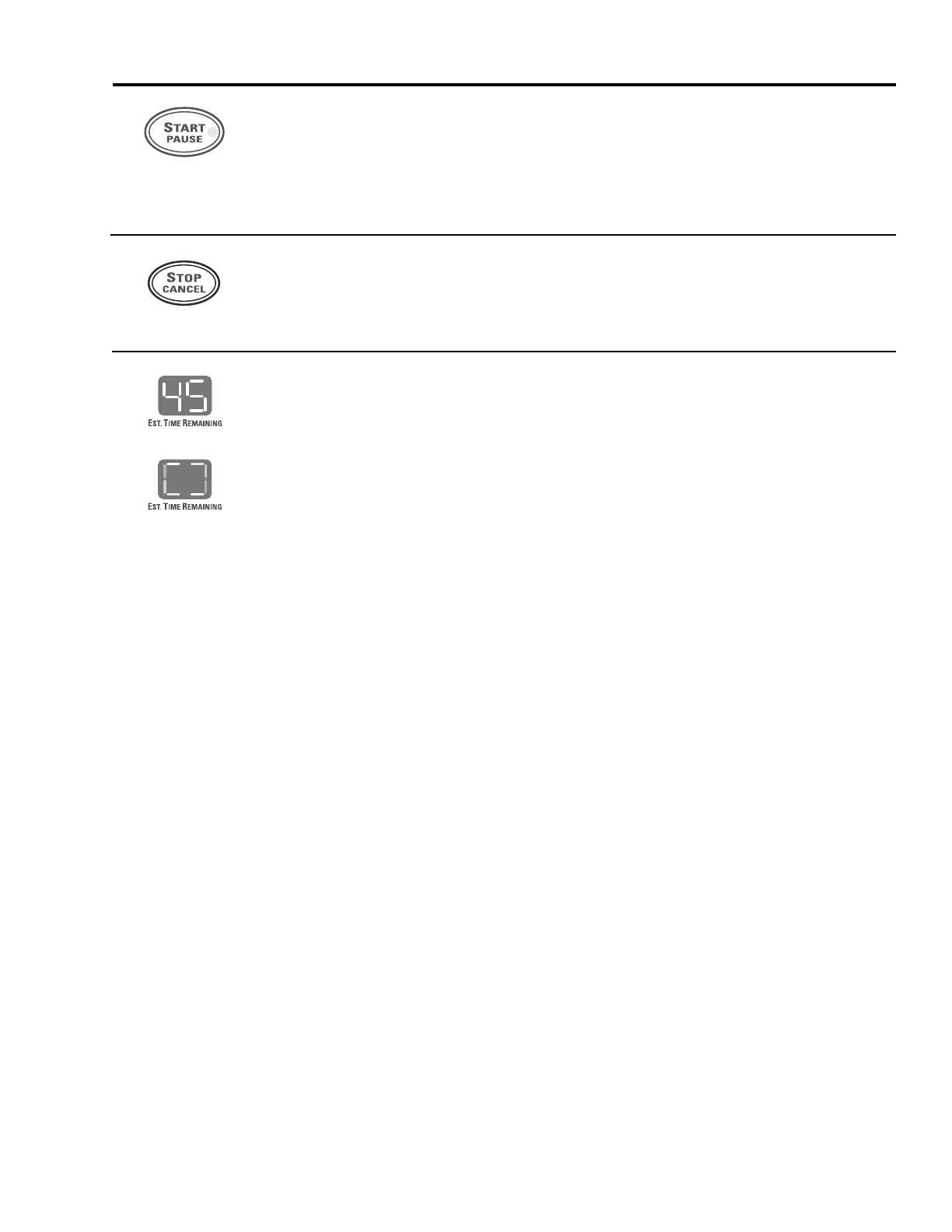
START/PAUSE
■ Press twice to select the last cycle you used and start the dryer.
■ If you have selected a new cycle, press once to start the cycle.
■ If the dryer is running, press once to interrupt the cycle; press again to continue
the cycle.
STOP/CANCEL
■ This pad should
not
be used to interrupt or pause a cycle.
■ Pressing this pad will cancel the current settings and the settings will be lost.
Estimated Time Remaining
Each time the dryer is used, it “learns” what types of loads you dry most often.
It takes this data and determines the approximate time it will take the load to dry.
As the cycle begins, you will see the approximate total cycle time in the display.
Then “racetrack lights” will flash in the display, in a clockwise direction, and the
SENSING
light will flash. This means the dryer is continuously monitoring the amount
of moisture in the load. The racetrack lights will continue until the dryer senses a low
level of moisture in the load. At that point, the dryer will calculate and display the
approximate time remaining.
“Racetrack lights”



 To Next Page