26
QUICK DIAL
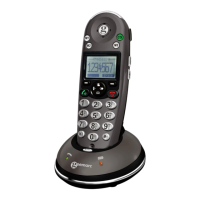
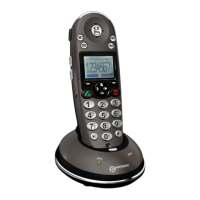
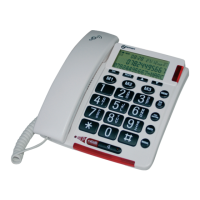
M1, M2 and M3 can also be used as quick dial locations
Storing a Quick Dial Number
Press MENU
Use ▲ or ▼ to select STORE NUMBER
Press DIAL
Enter the telephone number to be stored
(maximum of 22 digits)
Press DIAL
Select the speed dial location (M1, M2 or M3) by pressing
the corresponding button
Dialling a Quick Dial Number
Press the desired quick dial location (M1, M2 or M3)
Lift the handset, press DIAL or press
for handsfree use


 To Next Page