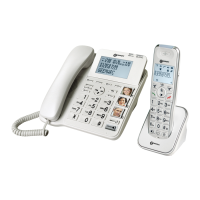
6
DESCRIPTION
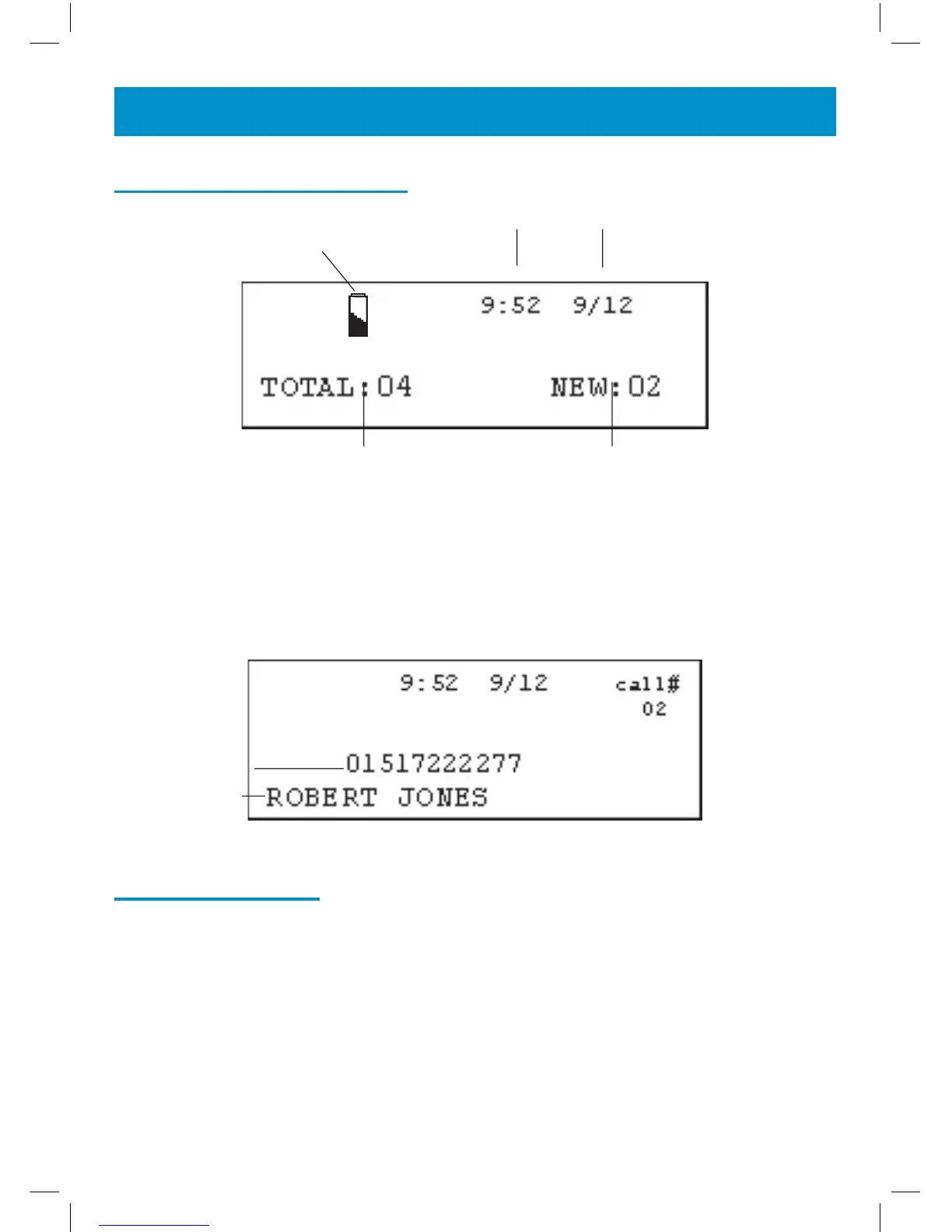
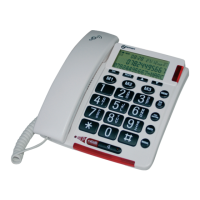
LCD Screen Description
This LCD display shows the total number of calls and the number of new
calls ready to be reviewed. In this example you have a total of 4 calls which
includes two new calls.
Menu Navigation
To access settings, press MENU.
To exit the menu, press CID.
To skip back a level within the menu, press DELETE
The telephone will automatically return to standby mode from any menu if
no button is pressed for 20 seconds.
Time and Date
Battery Icon
New Calls
Received
Calls Received
Caller’s Number
Caller’s Name


 To Next Page