10
1 - Receiving volume and tone adjustment
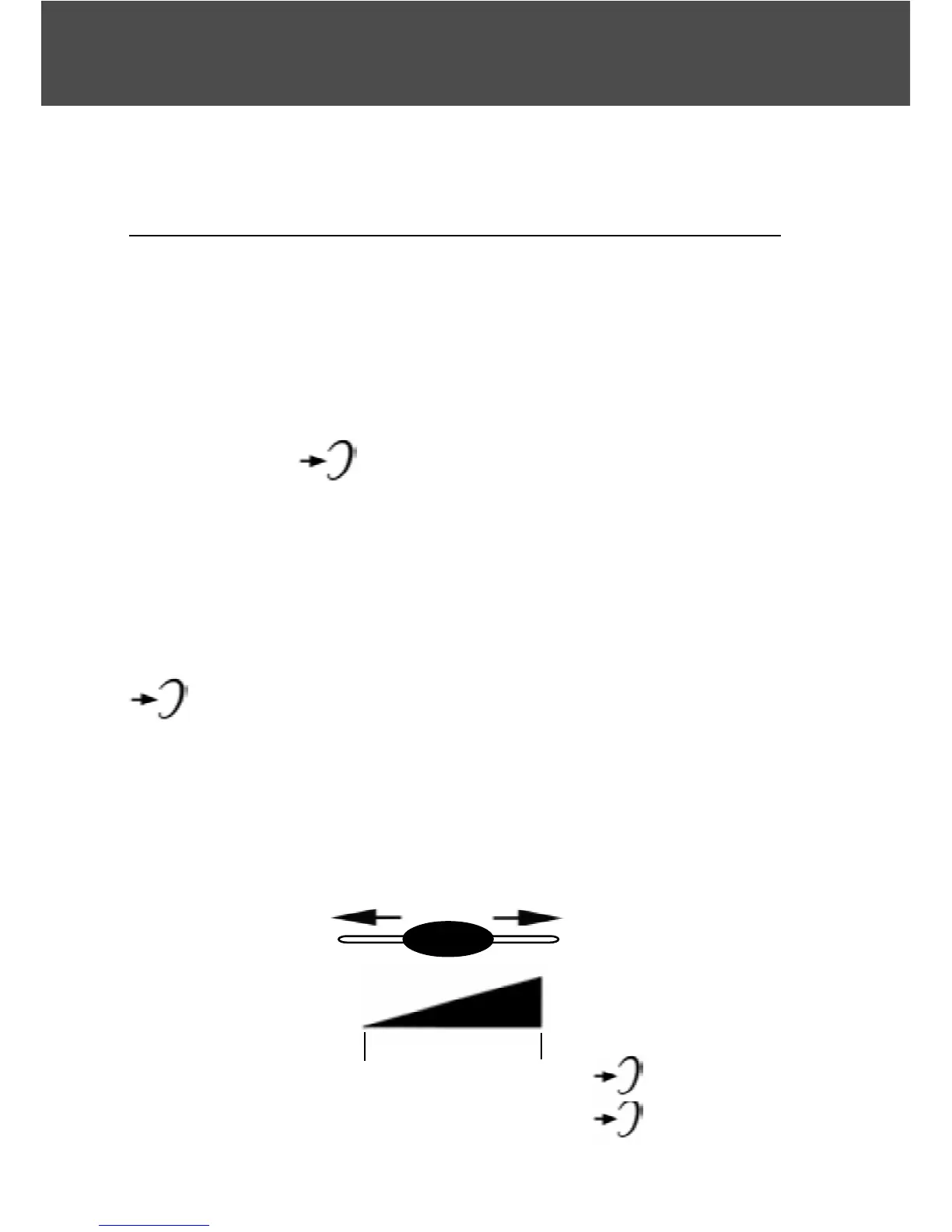
You can increase the volume and adjust the
receiving tone according to your own hearing
requirements.
The button allows extra receiving and tone
functions to be activated or not during the conver-
sation.
When the function is activated, the red light of extra
receiving and tone function located near the button
is lit.
Adjust the TONE and VOLUME buttons to fit the
levels to your own hearing requirements.
Volume and tone adjustment
VOLUME
0dB
15dB
+30db max
30dB
ON
15dB OFF



 To Next Page