16
Using the phone
7 - Dialing stored numbers
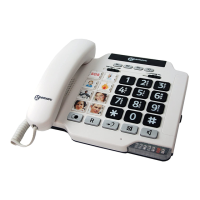
- Lift the handset and await the dial tone.
- Press appropriate button M1, M2, ..., or M9 or
one of 3 priority memories, the stored number will
be dialled automatically.
To register your stored phones numbers, use the
index located under the base.



 To Next Page