15
6 - Storing telephone numbers
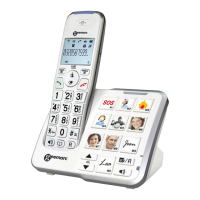
Your telephone can store12 direct memories
including 3 priority numbers (24 digits maximum
for priority memory and 32 digits for M1, M2...M9).
For example, the 3 priority P1, P2, P3 memories
allow you to store the 3 numbers below:
P1=Fire
P2=Police
P3=Doctor
To store a number please follow instructions below:
- Lift the handset.
- Press button.
- Dial the number.
- Press button.
- Press M1, M2, ..., or M9 or one of 3 priority
memories to store your number.
Note: Entering a new number in memory will
automatically erase the previous one.
Using the phone



 To Next Page