17
Switching On/Off
Press for 3 seconds or longer to switch the telephone on.
If no SIM card has been inserted,
NO SIM CARD
will be
displayed. Only emergency calls can be made until the SIM
has been inserted.
Press
again for 3 seconds to switch the telephone off.
Battery Use
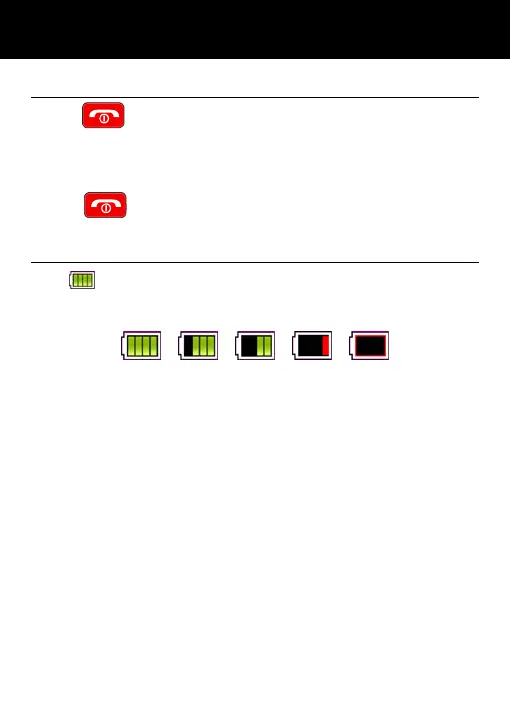
The icon is continuously displayed at the top right corner
of the LCD display. The icon indicates the level of battery power.
The more bars displayed, the more power available.
When the battery charge is low, a warning message will be
displayed. The back lighting and certain other functions may
stop working. When the battery is too weak for the telephone
to operate, the handset will automatically switch off.
Battery talk and standby times are subject to change. Replace
the battery when the battery power has deteriorated noticeably
(requires charging more frequently).
SETTING UP



 To Next Page