12
Menu Navigation
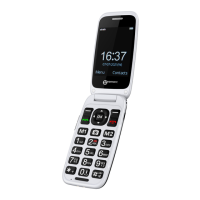
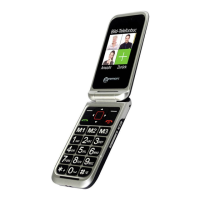
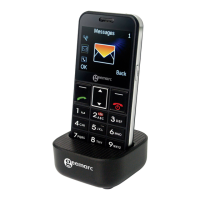
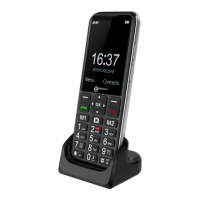
The MENU soft key or central square key (OK) is used to
activate the menu. The BACK soft key is used to go back a
level in the menu system. Press
to deactivate the menu
and return to standby mode from any menu.
The ▼and▲ keys are used to scroll through the menu.
▲ move backward through the menu
▼ move forward through the menu
Sometimes ◄ and ► are used to navigate through sub menus.
The OK soft key is used to confirm / select an action or choice
on a screen.
The central square key (OK) is used to go to Menu or to confirm
/ select an action or choice on a screen.
Menu Map
Contacts
Photo contacts
Normal Phonebook
Message
Write Message
Inbox
Outbox
Drafts
Sent box
Broadcast Message
Voice mail serve
Call logs
Missed calls
Dialed calls
Received calls
Rejected calls
Delete all
Call timers
Data service counte
DESCRIPTION


 To Next Page