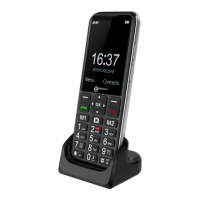
18
First use of your mobile
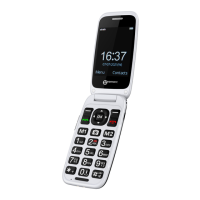
Turn ON the mobile by pressing the key, the display ask
you to select your language with the keys ▼/▲, Press OK
softkey to valid.
Then set the time with
, press on key▼and set the Date
with
.
Press on key▼ then set the time format with the key left or right
arrow.
Press on key▼ then set update time setting then press OK, after
to select your setting, press back soft key to exit.
Press Done softkey to valid the setting.
Enter your *Pin code with
and press OK.
Standby Mode
When the mobile phone is ready for use and you have not
entered any characters, the telephone is in standby mode. You
can set the telephone to standby mode by pressing
.
You will need to unlock your keyboard before accessing the
photo keys or any other settings.
Making a Call
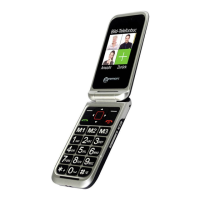
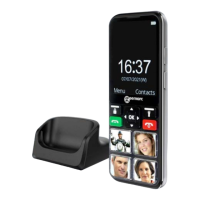
Unlock your phone and press on one picture memory key or
choose one contact in your phonebook
To end the call simply press
USING THE TELEPHONE


 To Next Page