30
Note: Be careful with upper and lower case characters and “,”
and “
;”.
If you do not want to put a contact for each photo, do not put
anything between 2 "
;".
PIC_PHB#name1,number1;;name3,number3;name4,num
ber4#
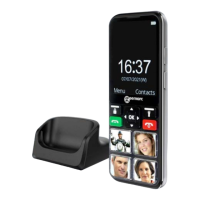
Dial a Picture Phone Book Entry
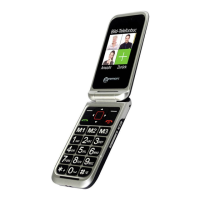
Unlock your handset and press directly one picture memory
key, your phone will dial the phone number automatically.
Change the picture of one photo key
On the middle side of the keys, you can use the hole to help
you to remove the transparent plastic part. Change the photo
and replace the transparent plastic part on the key.
PHONE BOOK


 To Next Page