8
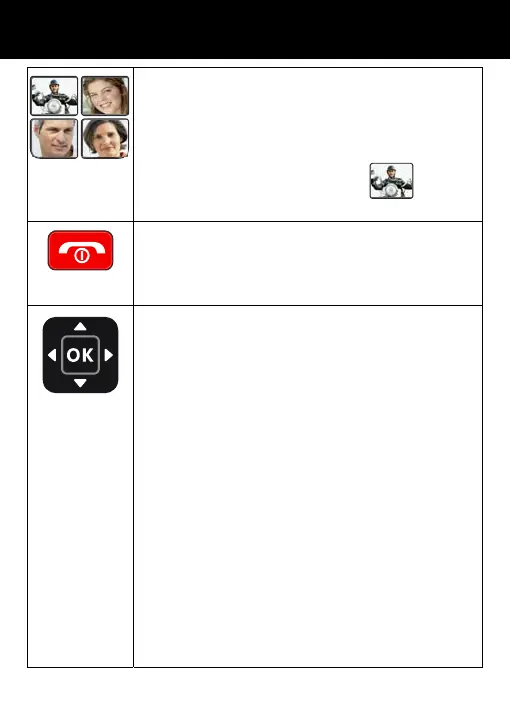
One touch dialing keys
A telephone number can be assigned to each of
these buttons. To dial the number all you have to
do is press the button once and the number will
be dialed automatically.
In standby mode, press the key
during 3
seconds, you have access at the I.C.E function.
Power key/On-hook key
Long press to power the telephone on and off.
End a call.
Cancel current process and return to standby.
Navigation Button
Up Key
Scroll up through lists and menu options.
This is a dedicated key in Standby. It can be set up
in Handset Settings or gives access to Recorder
function in stand by mode.
Down Key
Scroll down through lists and menu options.
This is a dedicated key in Standby. It can be set up
in Handset Settings or gives access to Call logs
function in stand by mode.
Right Key
This is a dedicated key in Standby. It can be set up
in Handset Settings or gives access to Profile
function in stand by mode.
Left Key
This is a dedicated key in Standby. It can be set up
in Handset Settings or give access to the Write
SMS function in standby mode.
DESCRIPTION



 To Next Page